Opening EDI Files |
  
|
Opening EDI Files |
|
To open an EDI file follow the steps below:
1.Go to File > Open File in the main menu window.
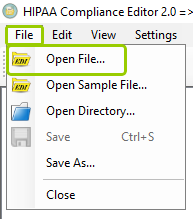
The "Open File..." option is under the "File" tab.
You can also click the "Open File" icon in the Taskbar.
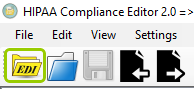
The "Open File" icon.
2.Either option will open a search window where you can locate the EDI file you want to open. Once you find it, click "Open."
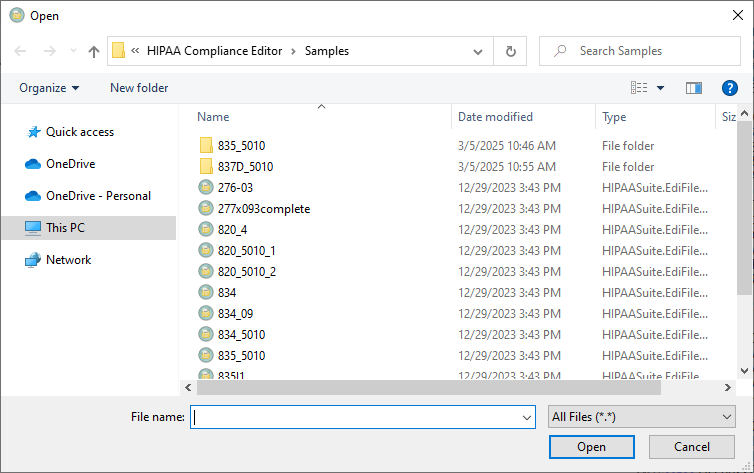
The "Open" window will allow you to search for your file.
3.Once you have selected the file, a progress bar will open showing the compliance check status.
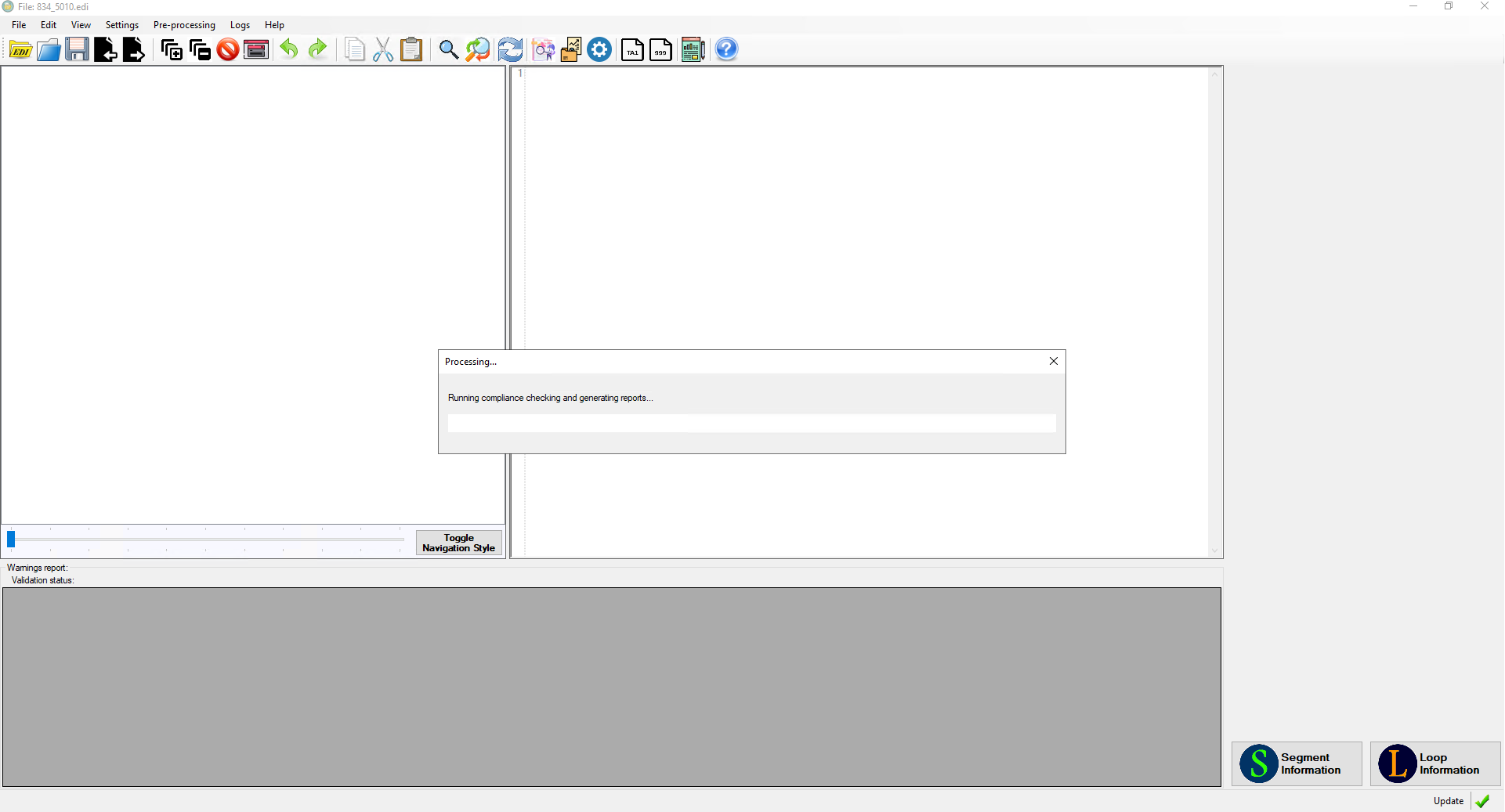
The progress bar will show the compliance check status.
Once the compliance check is done, you will see the EDI file in the EDI view box, as well as any errors listed in the warnings table. After modifying the text of the opened EDI file, the "Save" button will become enabled. Click this to save your changes to the EDI file. See Checking Compliance for more information on the compliance check.