Accessing Daily Logs |
  
|
Accessing Daily Logs |
|
The HIPAA Compliance Editor application keeps a log entry for each file that gets processed. This feature is helpful when the application is run through automated processes. The log is essential in tracking errors and documentation.
Follow the steps below to access the log files:
1.Go to Logs > Daily Logs in the main menu.
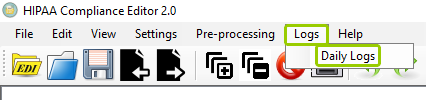
The "Daily Logs" option is in the "Logs" tab.
The following window will open:
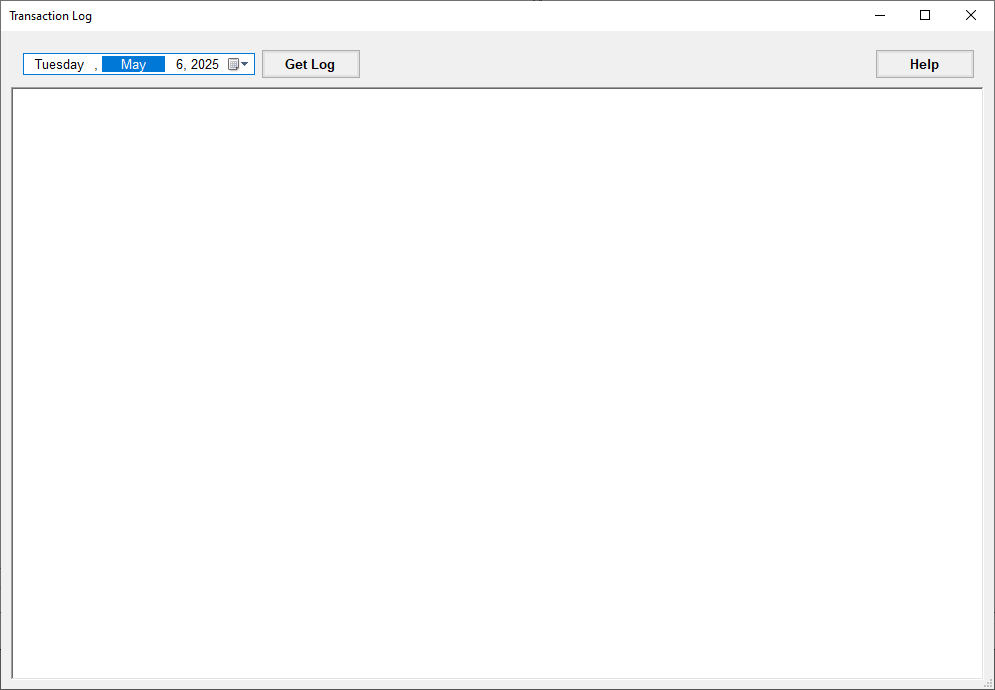
The "Transaction Log" window.
2.Select the date for the log you want to retrieve, then click "Get Log." If you have any transactions logged for the selected date, you will see the following:
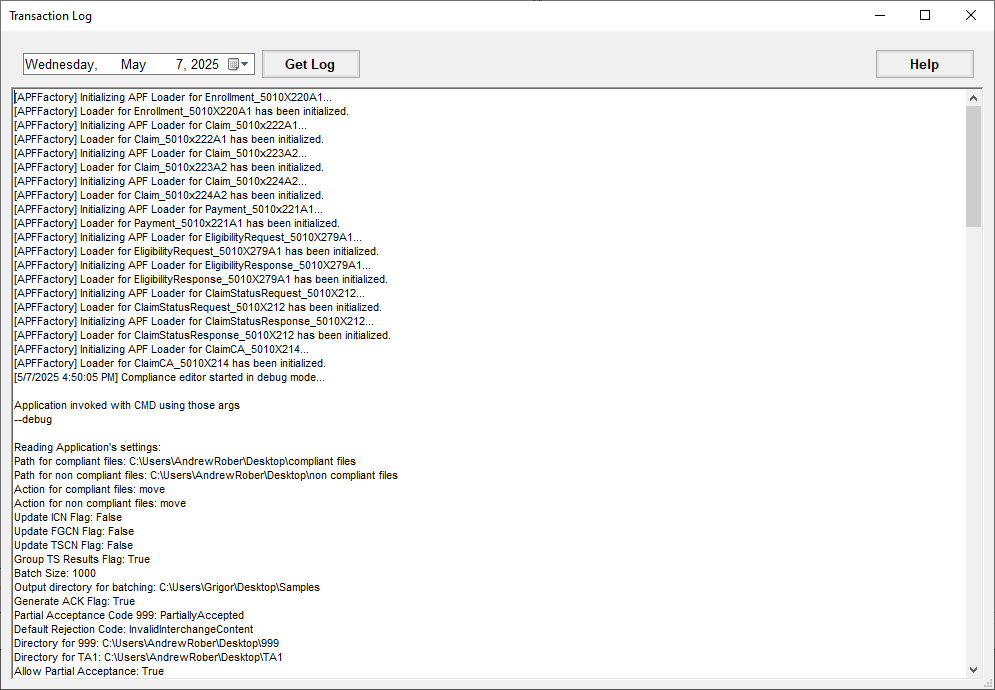
The "Transaction Log" window with results.
If there are no transactions logged under the selected date, the following pop-up window will open:
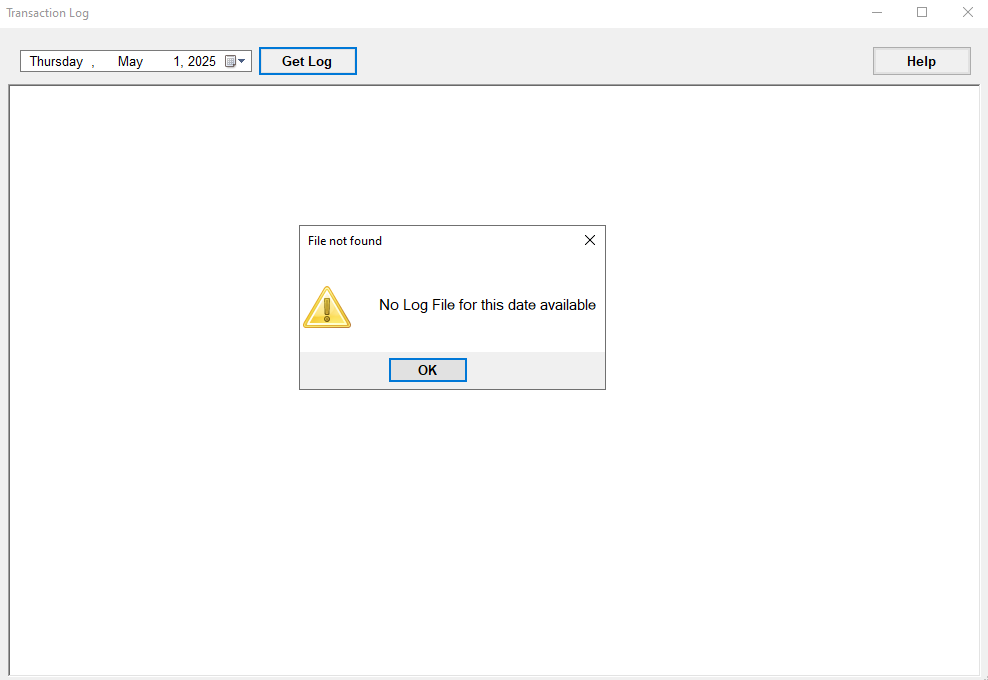
A pop-up window will indicate there are no logs.
Log files are simple text files that are stored in date-hashed folders. You can access the Logs folder following this directory:
oWindows XP: C:\Documents and Settings\All Users\Application Data\HIPAAsuite\HIPAA Compliance Editor\Logs
oWindows 7, Vista: C:\ProgramData\HIPAAsuite\HIPAA Compliance Editor\Logs
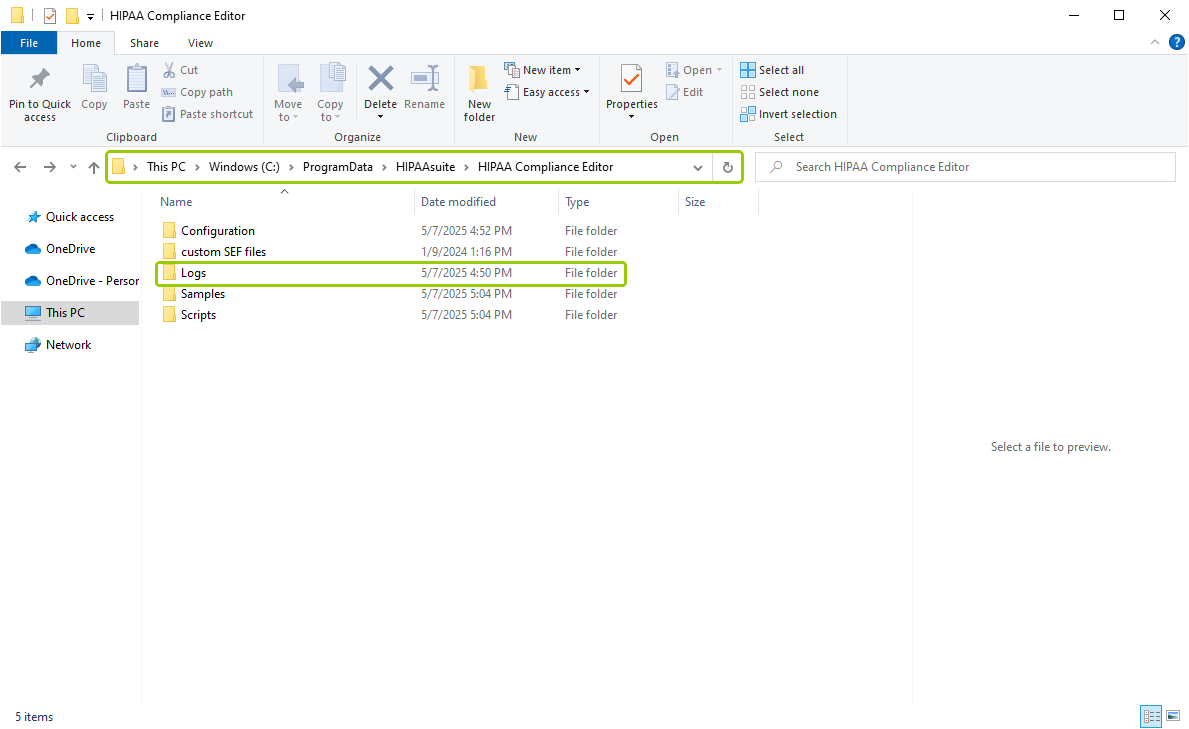
The directory pathway for the daily logs.
The folder is hidden by default. But if you type in the address in the top bar of the File Explorer window, you will find that it exists. Alternatively, you may change the explorer settings to show hidden files and directories.
Note: The ProgramData folder contains all your application data, such as application settings and user data, for all of the installed programs on the computer. The ProgramData folder holds the same files that were contained in the \Documents and Settings\All Users and \Documents and Settings\All Users\Application Data folders in XP.
For each time HIPAA Compliance Editor is used, there will be a log file. If you open the file, it will look like this:
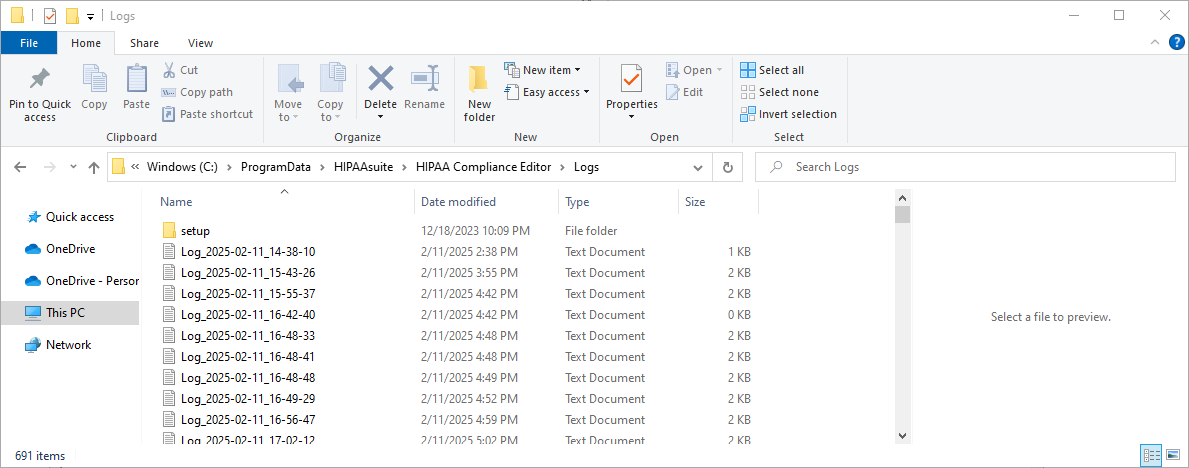
The log text files.