|
<< Click to Display Table of Contents >> Moving the Processed File |
  
|
|
<< Click to Display Table of Contents >> Moving the Processed File |
|
Once you have responded to a 270 eligibility request, you might want to archive the file and take it out of the way to prevent duplicate processing. If you have specified a directory for processed files in the setup and checked the "Move to" option, the file will be moved after processing.
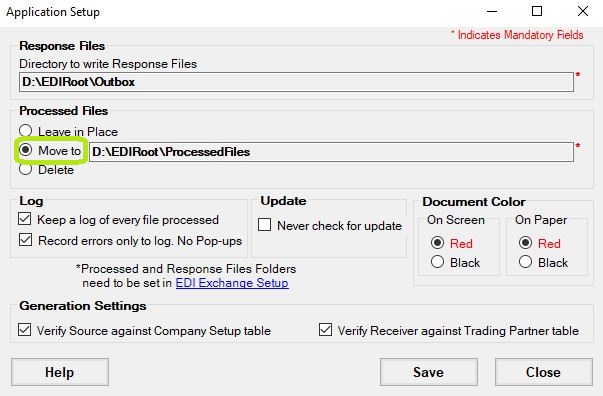
This option moves the file after processing to keep the EDI root directory tidy.