|
<< Click to Display Table of Contents >> Creating the Response file |
  
|
|
<< Click to Display Table of Contents >> Creating the Response file |
|
Once you have added the eligibility information and you get back to the main screen, you will now see information in the eligibility column, the last column in the request grid.

You can see now that eligibility information has been added in the last column.
Click on the "Create Response File" button.

The "Create Response File" button.
After you click the button, you will be presented with a "Processing Results" window. When you exit this window, the 271 file will be created and written into the out directory that you specified during system setup.
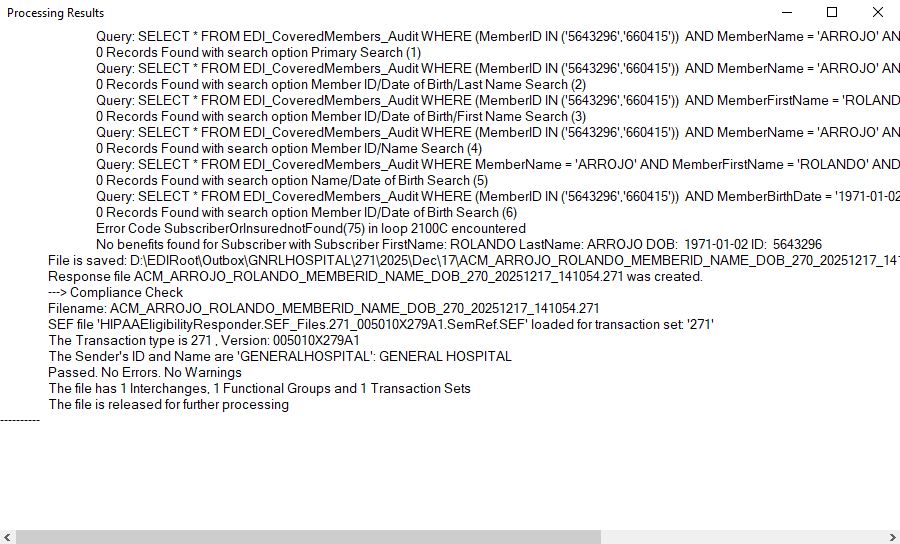
The "Processing Results" window.
Once the file has been created, a message box appears, informing you that the file has been created and asking you if you want to see the file.
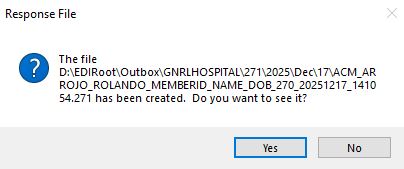
The message after creating a 271 response.
If you click yes and if you have the EDI File Editor installed and mapped, the File Editor will come up and display your file.
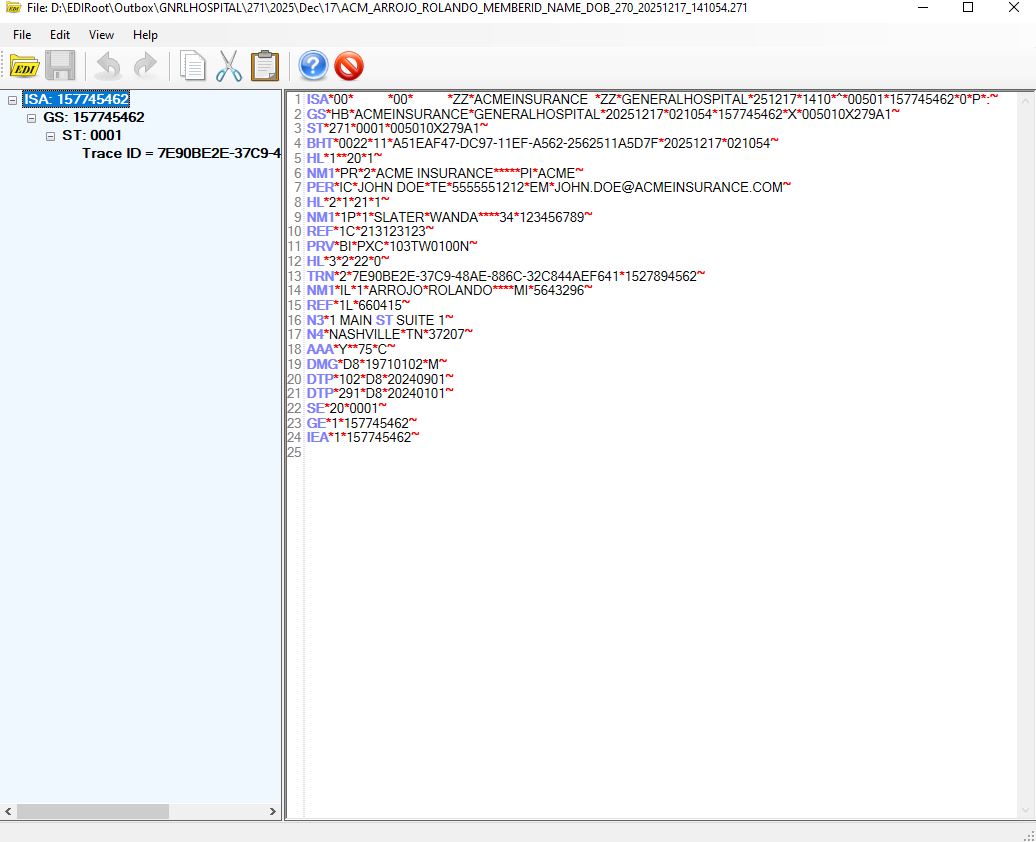
The Response File.