Background |
  
|
Background |
|
Most entities that process HIPAA transactions have a database engine on their premises. The most commonly used are Microsoft SQL Server and the open-source MySQL. Though the HIPAA Claim Payment Master application does not come with a database.
HIPAA Claim Payment Master uses six database tables:
oA payment table: EDI_ClaimPayment.
oA claim table: EDI_PaidClaims.
oA line table: EDI_PaidClaimLines.
oA claim adjustments table: EDI_ClaimLevelAdjustments.
oA line adjustments table: EDI_PaidClaimLineAdj.
oA provider level adjustments table: EDI_ProviderLevelAdjustments.
Scripts are provided to create these tables for some database types. You might have to modify the scripts to suit your Structured Query Language (SQL) language.
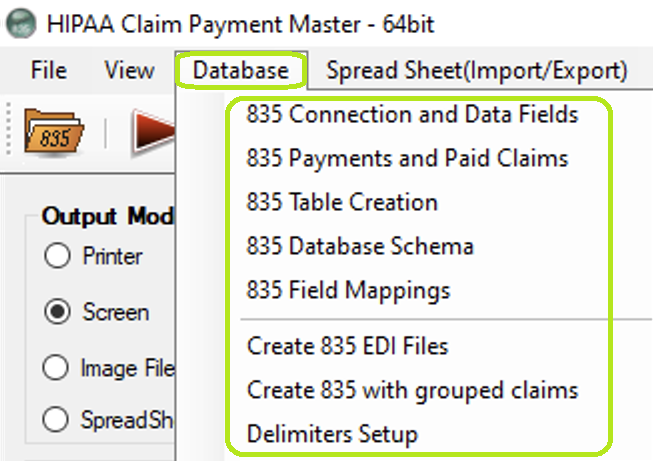
The "Database" tab and options in the main window.
The sequence of actions to configure the data import is the following:
oSetting up Database Connection
The HIPAA Claim Payment Master application provides the "Data Import" option. This allows the user to import 835 EDI files to a database. Under "Screen" mode, data import does not work since this can interrupt the viewing of EDI Payment Advice Files at any time; this might lead to incomplete data import.
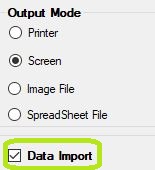
The "Data Import" check-box is in the main window.
The data is imported and written to the database once the user clicks on the "Run" button and only if the "Data Import" box is checked.
The "Processing Results" window will display a notification about the data import.
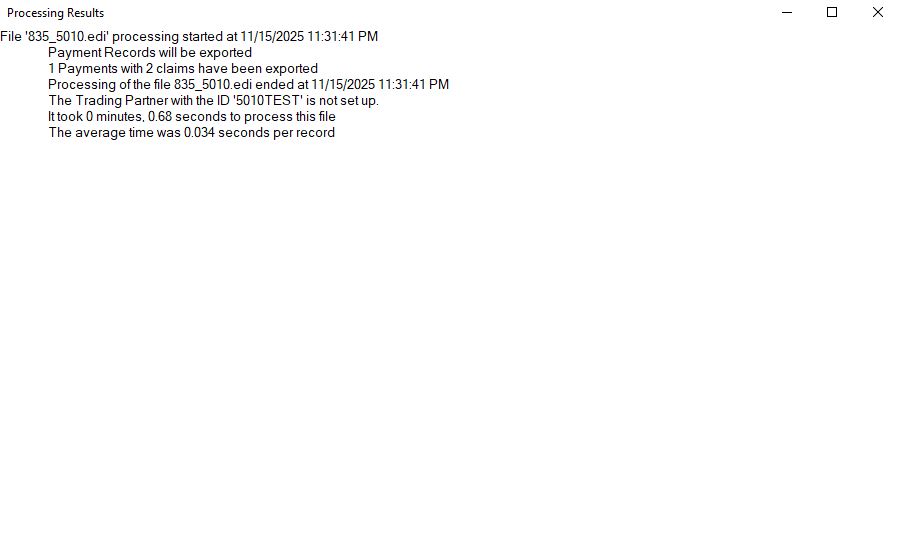
The "Processing Results" window after importing to the database.
After this message, the user can now browse imported data.