Accessing Statistics |
  
|
Accessing Statistics |
|
The HIPAA Claim Master application stores the number of claims processed.
Follow the instructions below to access the statistics in your HIPAA Claim Master application:
1.Click Logs > Statistics in the main menu window.
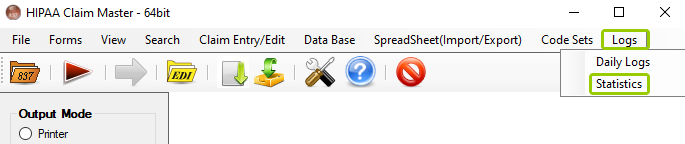
The "Statistics" option is in the "Logs" tab.
The following window will open:
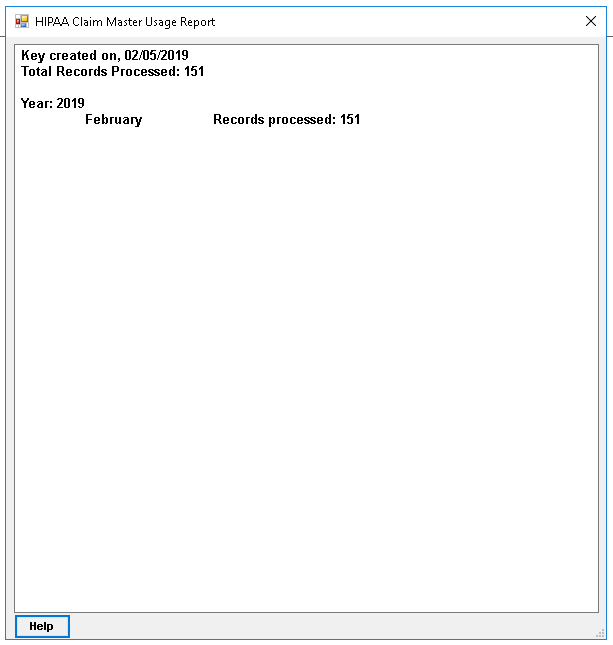
The "HIPAA Claim Master Usage Report" window. (the help button doesn't show)
2.The window shows the total number of claims processed per year and month. The data is then stored as an encrypted key in the registry.