Displaying Document Information |
  
|
Displaying Document Information |
|
The EDI envelope contains information about the transaction set, the sender, the receiver, dates, and other pieces of information that are not printed on medical forms. To see this information that is not printed, follow the steps below:
1.Select Forms > Document Info in the main menu window.
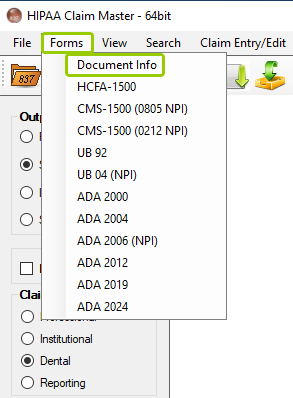
The "Document Info" option is under the "Forms" tab.
The following window will open:
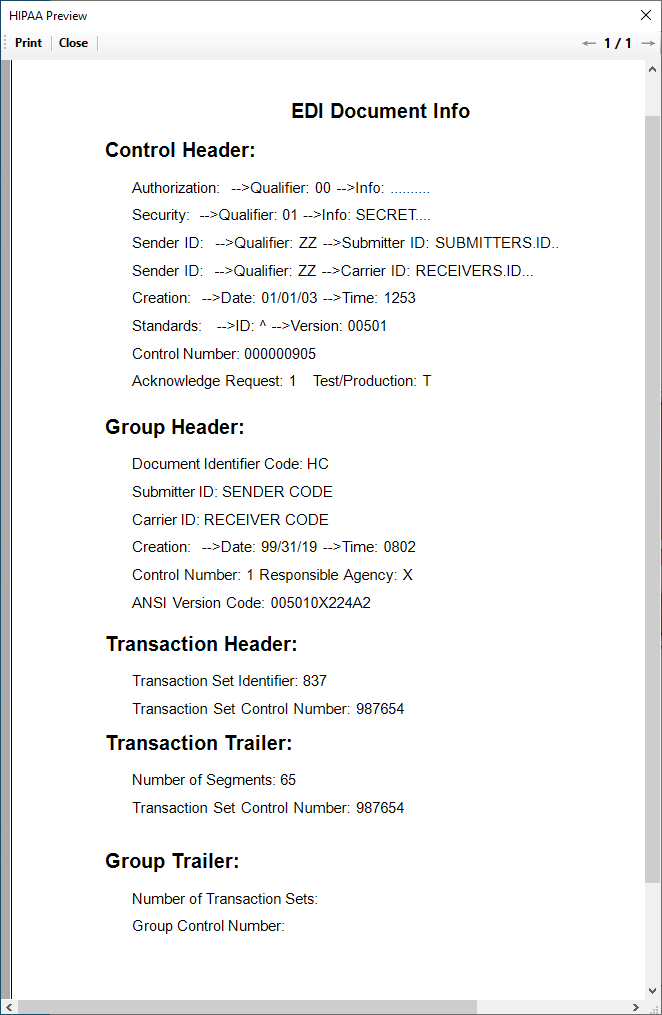
The "Document Info" preview window.