Printing Blank Forms |
  
|
Printing Blank Forms |
|
The process of printing is similar to printing claims. Follow the steps below to print a blank form.
1.Go to the Forms tab in the main window.
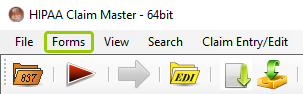
The "Forms"tab in the main menu window.
2.Click on the form you want to print. A preview window will open displaying the selected form. As example, we will open the UB-04 (NPI) form as shown below:
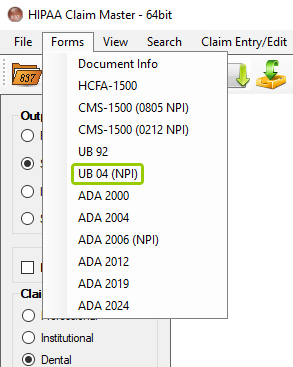
The "UB-04 (NPI)" form from the list of forms under the "Forms" tab.
A preview window will open with the selected form. At the top left side of the navigation bar, you can click on "Print" to print the form or "Close" to close the window.
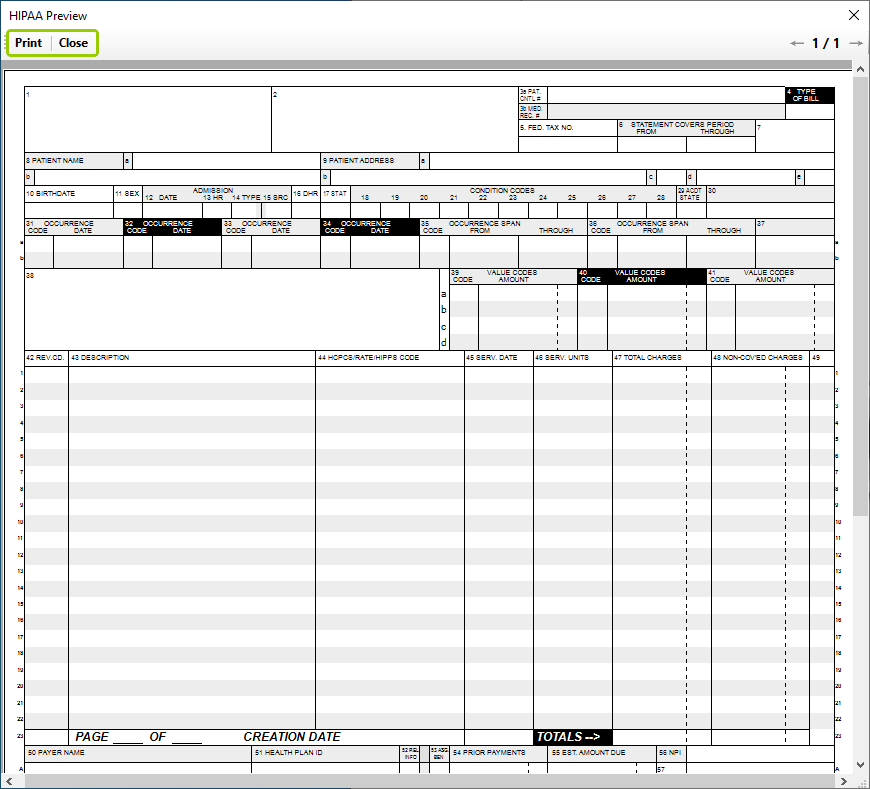
The "UB-04 (NPI)" form preview window.