DB Administration |
  
|
DB Administration |
|
Go to Manual Entry > DB Administration in the main menu window.
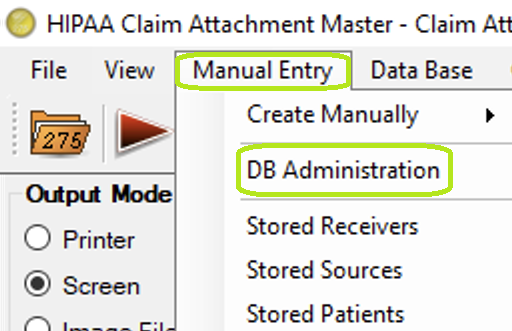
"Manual Entry - DB Administration Menu."
The following screen will open and you will be presented with a drop-down menu to select the necessary table:

"DB Administration Screen."
It displays 3 tables for data modification: StoredReceiver, StoredSource, and StoredPatient.
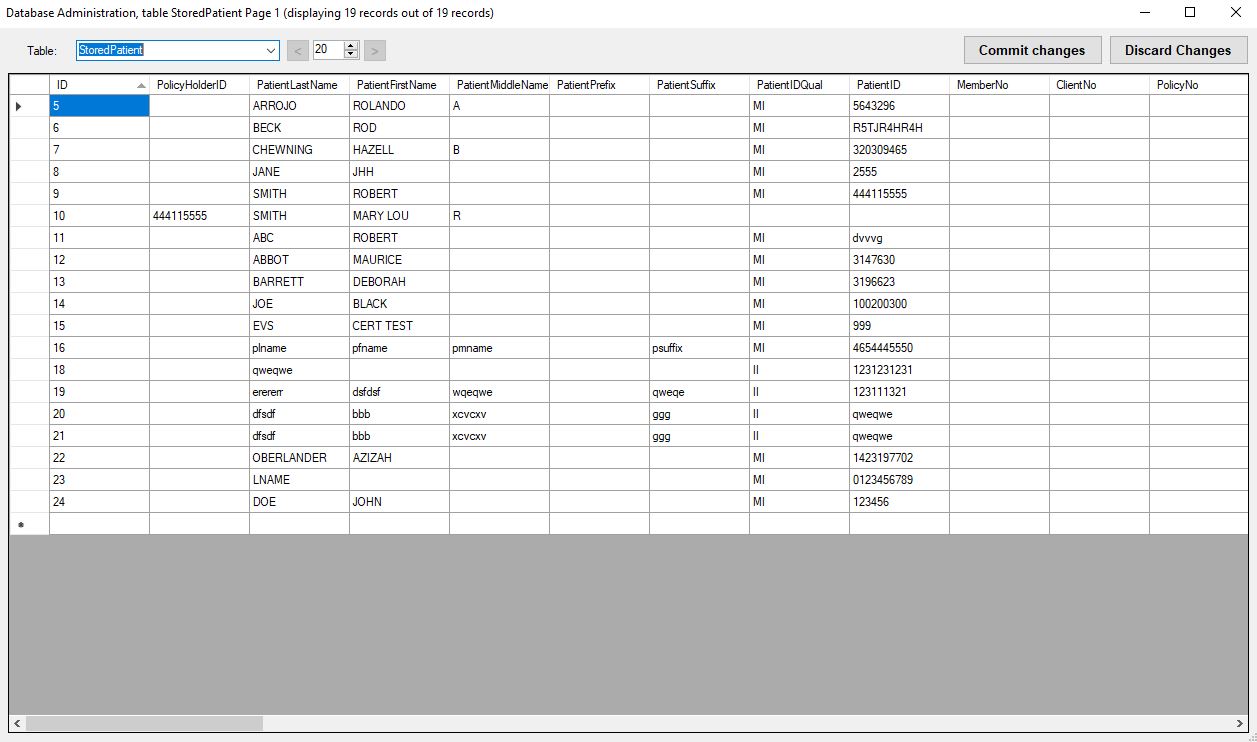
"DB Administration - Stored Patient."
·Change the values and click the "Commit Changes" button to save the value into the table.
·The "Discard Changes" button discards the changes made within table and returns the screen data to its original state.