|
<< Click to Display Table of Contents >> Displaying an Eligibility Benefit Inquiry |
  
|
|
<< Click to Display Table of Contents >> Displaying an Eligibility Benefit Inquiry |
|
The HIPAA Eligibility Responder application can display claims as an image file on screen through a new window or as a spreadsheet file.
Though there are multiple types of claims, HIPAA Eligibility Responder is designed to display each claim in a way that makes it simpler to navigate. Follow the steps below to display a claim:
1.Go to File > Open in the main menu window. Browse for the file you want to view, then click "Open."
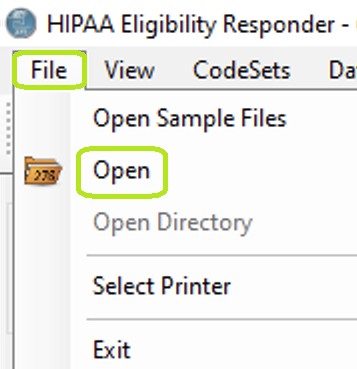
Click the "Open" option to search for an EDI file.
2.After opening the file, check that the output mode is on "Manual Process," then click the "Run" button.
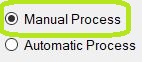
The "Output Mode" box is in the Info Bar.
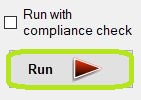
Click the "Run" button to begin processing.
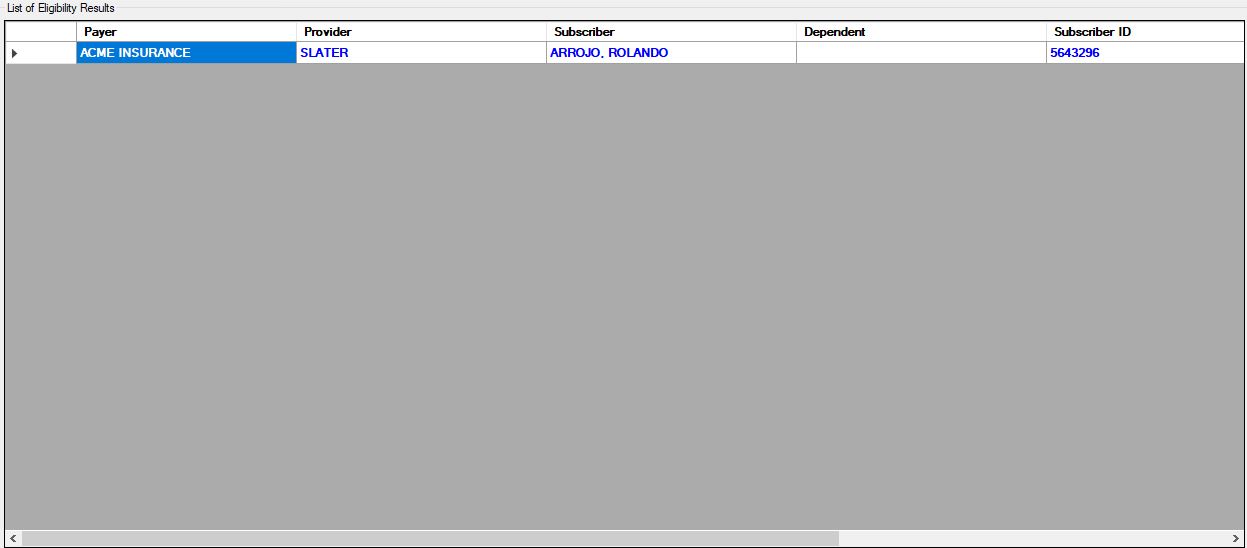
The table results that are displayed after pressing the "Run" button.
3.270 Record example below:
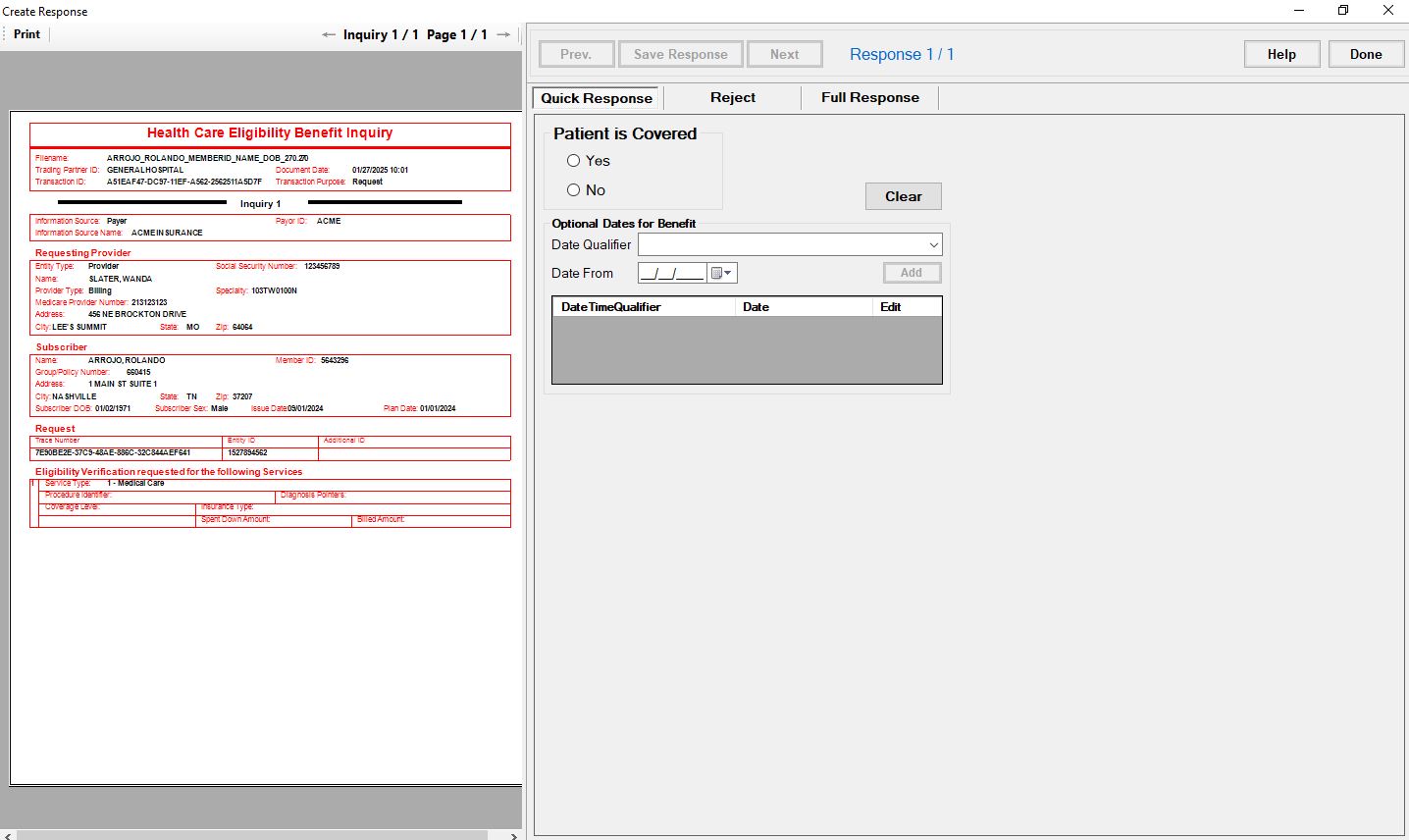
270 Record example.
See the details of each navigation tool below:

The "Navigation Header Bar" has options for viewing multi-paged files.
In the header bar of each multi-page form, you will find navigation buttons, each described below:
oPrint — This option sends the individual claim to the printer.
oInquiries — This shows the number of inquiries and which is currently in view; if there are multiple pages, the arrows allow you to navigate them.
oPages — This shows the number of pages and which is currently in view; if there are multiple pages, the arrows allow you to navigate them.
When you click "Cancel," the parsing engine will continue processing the EDI file until it finishes. The processing time will depend on the size of the file.