|
<< Click to Display Table of Contents >> Creating a Full Response |
  
|
|
<< Click to Display Table of Contents >> Creating a Full Response |
|
To create a full response, click the "Full Response" tab.
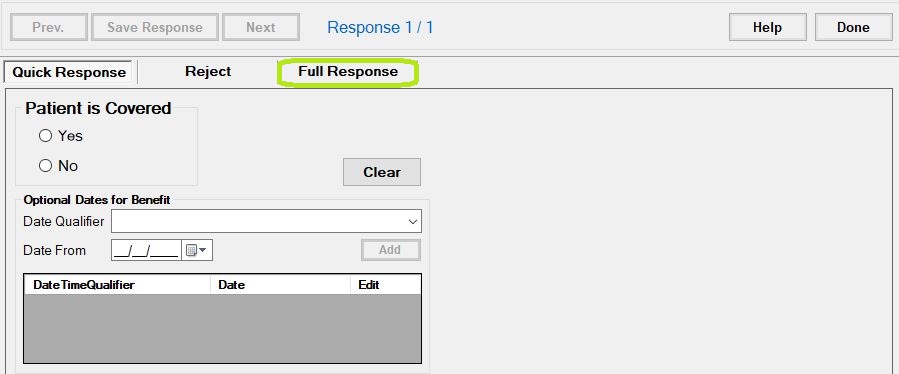
The "Full Response" tab.
You will see the Quick Response screen:
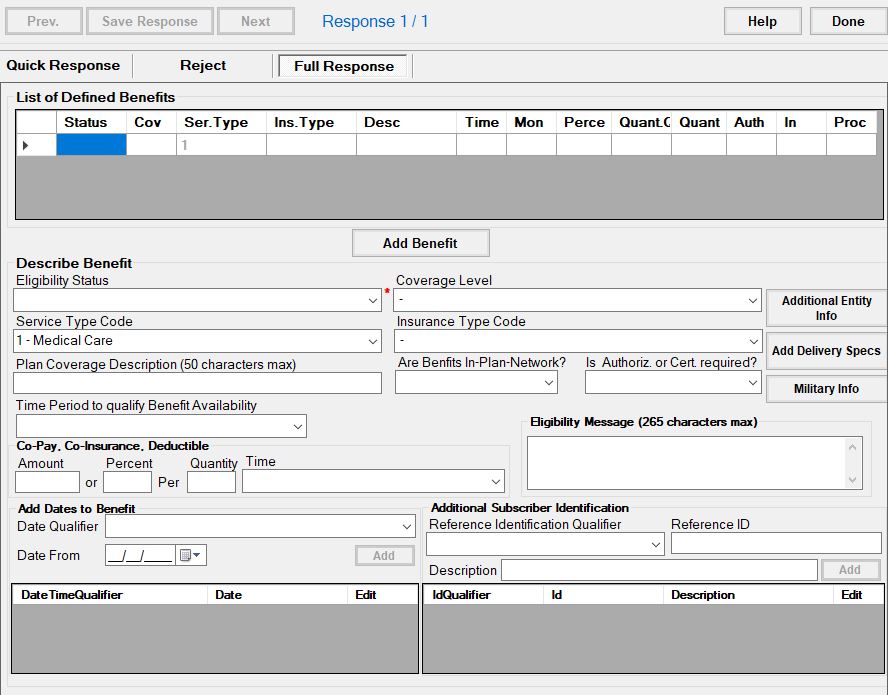
The "Full Response" screen.