Setup |
  
|
Setup |
|
Before using the form to create 270 requests, you need to set up the application. Go to Database > EDI Claims Setup in the main menu window.
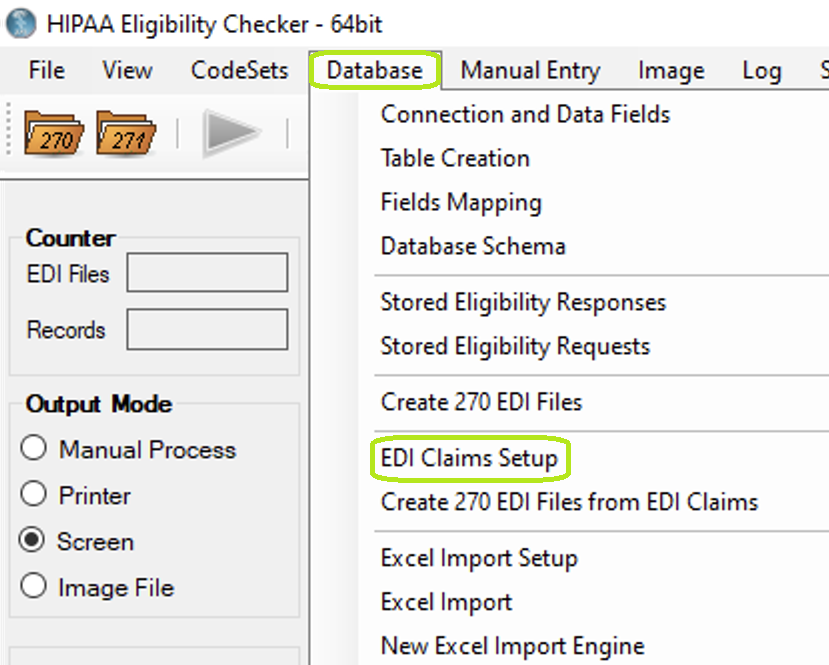
"EDI Claims Setup" option under "Database" menu.
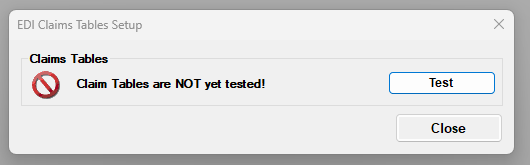
"EDI Claims Setup" form.
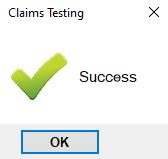
"Claims Testing" pop-up.
To check for the existence of HIPAA Eligibility Checker's tables press the "Test" button. If tables are found, the window will look like:
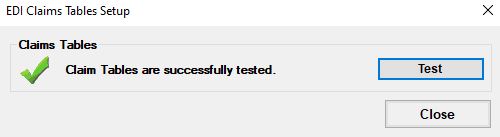
"EDI Claims Setup" form after successful testing.