Creating 270 Files From Claims |
  
|
Creating 270 Files From Claims |
|
After successful testing you can create 270 Eligibility Requests from Eligibility Checker's tables. To create an EDI file, go to Database > Create 270 EDI Files from EDI Claims in the main menu window.
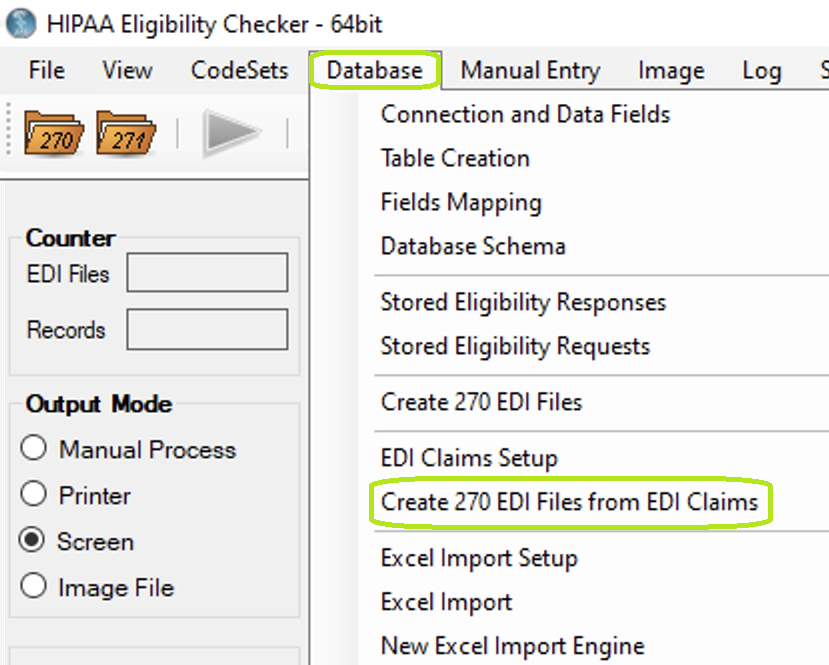
"Create 270 EDI Files from EDI Claims" option under "Database" menu.
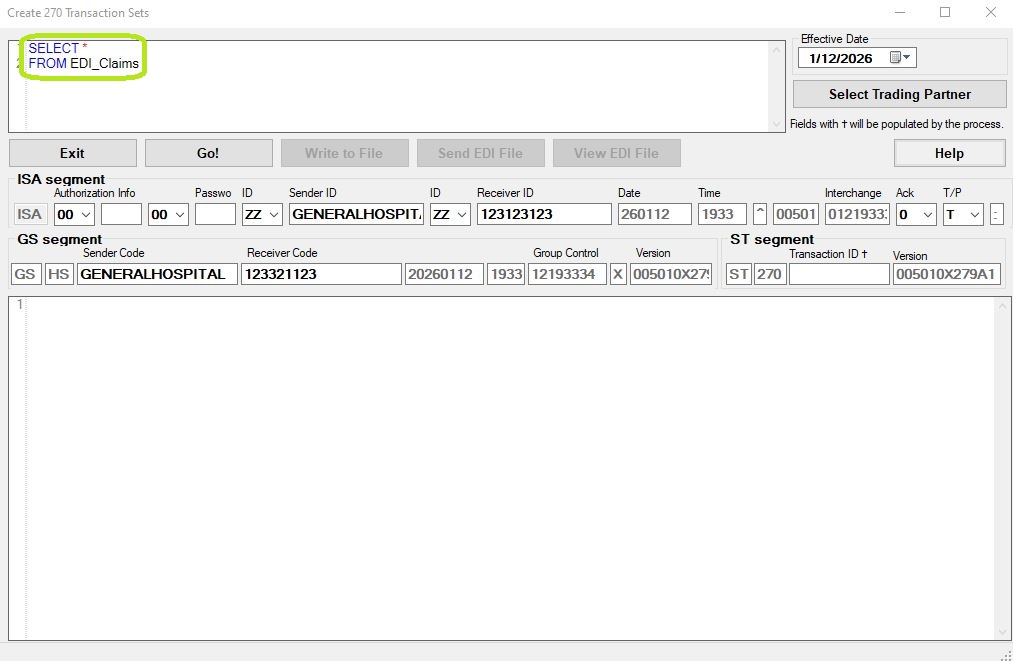
270 creator, blank.
Note: If EDI Claims connection and fields are not tested, an error pop-up window will show up.
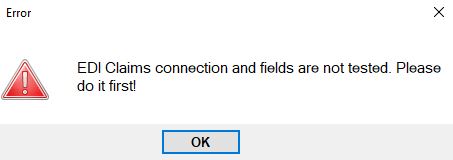
EDI Claims connection and fields testing error pop-up window.
The form is almost identical to the form "Create 270 EDI Files" except that query contains a different table name and gets results from different tables. You can create your queries to have total control over the records that you want to include in the 270 files.
For more information how to work with form "Create 270 EDI Files": Creating Requests from Eligibility Query