Creating From Query Using EDI Claims Tables |
  
|
Creating From Query Using EDI Claims Tables |
|
You can create 276 Claim Status Requests not only using the Claim Status Checker's database but also, if you have the HIPAA Claim Master, you can use the HIPAA Claim Master's tables to create 276 Requests. So if you have claims in 837 format, you can load them to the database with the HIPAA Claim Master. Then, if you want to find out the status of certain claims, you can use the HIPAA Claim Status Checker and query the claim tables to create seamlessly an electronic request that can be sent out to the same payer that is in the claim. Nothing else needed.
Before using form to create such requests you need to setup it. To Open EDI Claims Setup, go to Database > EDI Claims Setup in the main menu window.
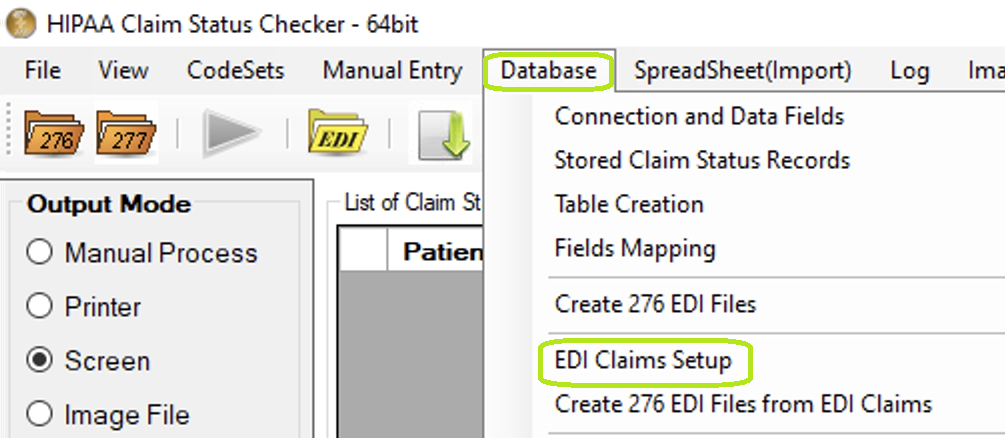
"EDI Claims Setup" option under "Database" menu.
To check claim tables, press the "Test" button. If tables are found, the window will look like:
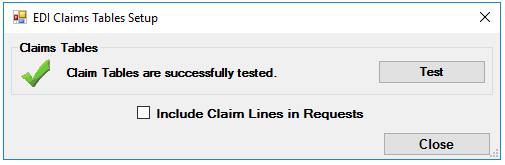
"EDI Claims Setup" window.
If you want to include lines information in request check "Include Claim Lines in Requests."

'Include Claim Lines in Requests' checkbox on "EDI Claims Setup" form
After successful testing you can create Requests from Claim Status Checker tables. To create an EDI file, Go to Database > Create 276 EDI Files from EDI Claims in the main menu window.
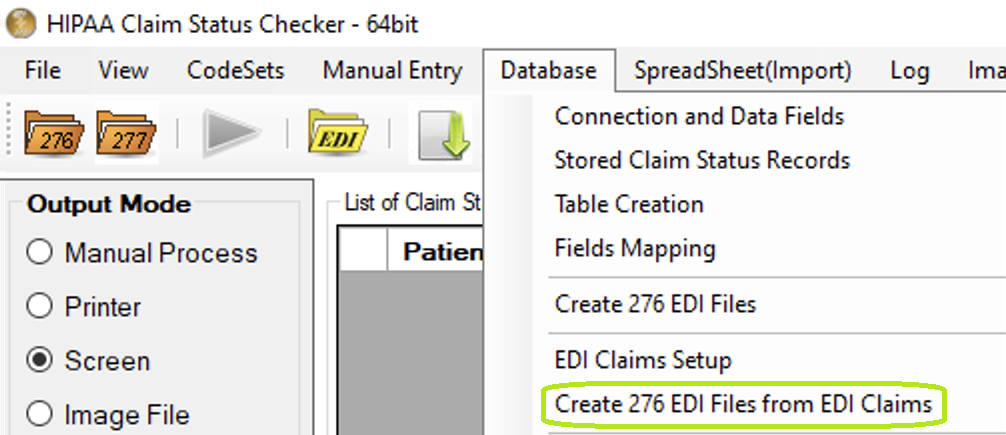
"Create 276 EDI Files from EDI Claims" option under "Database" menu.
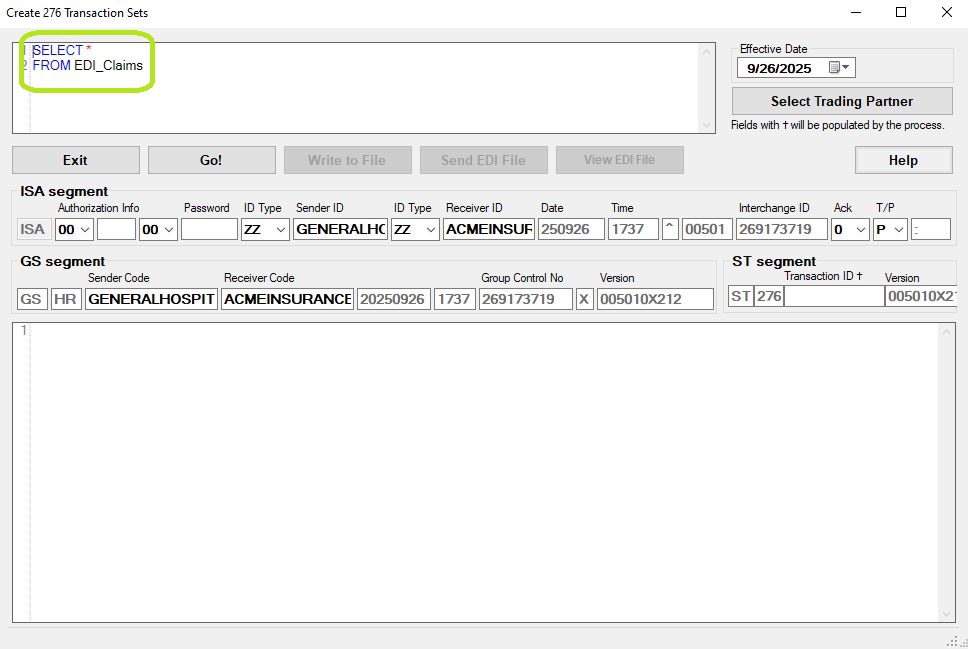
276 creator, blank.
The form is almost identical to the form "Create 276 EDI Files" except that query contains different table name and gets results from different tables.
For more information how to work with form "Create 276 EDI Files": Creating Requests from Claim Status Query