Loading a Claim |
  
|
Loading a Claim |
|
To reach the claim adjudication screen, click Adjudicate Claim in the Adjudication menu.
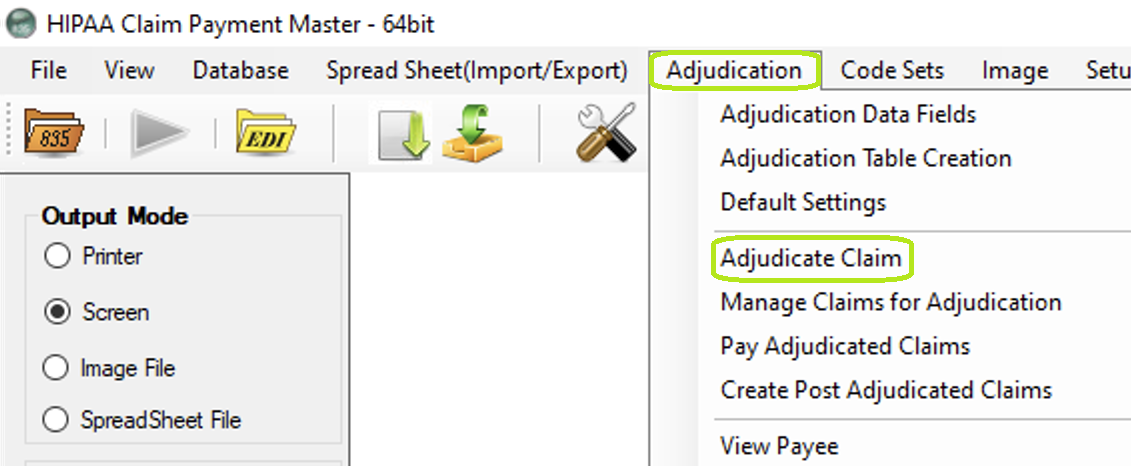
Adjudicate Claim in the menu.
This is the Claims Adjudication screen.
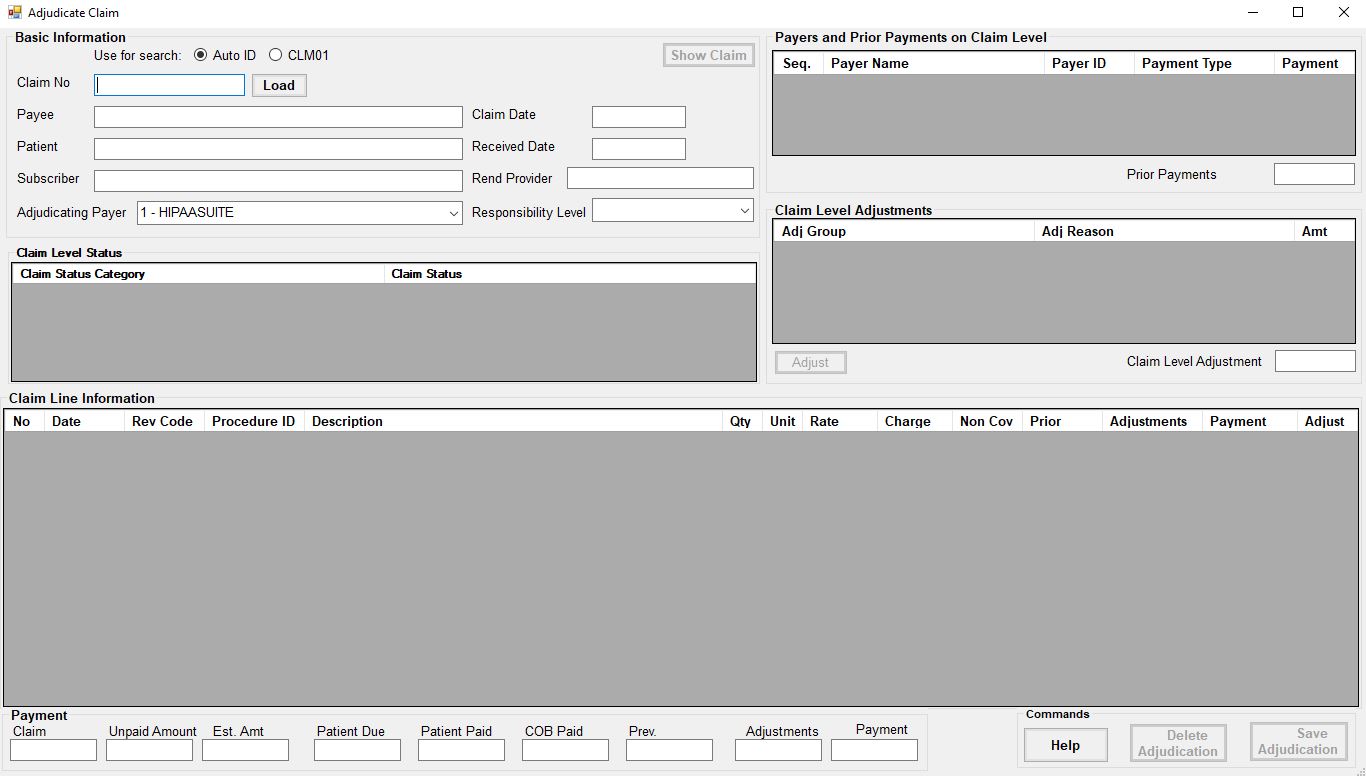
Adjudication Claim window.
Use for Search :The database has a unique auto. ID for each claim. But also the claim in CLM_01 has the provider's claim identifier, This id should be unique for each provider but it is not necessarily unique across claims from all sources.
To load a claim into the claim adjudication screen, enter the claim number in the box labeled "Claim No" and click the Load button.
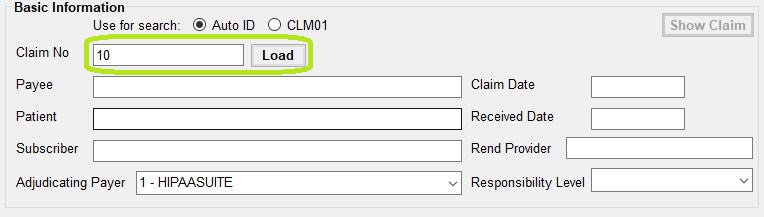
Detail of Claim Adjudication screen. Claim Number field and Load button are highlighted.
Loading a claim will fill the Claims Adjudication window with the claim data. All basic information such as claim creation date, claim received date, subscriber, and rendering provider is displayed in the top left.
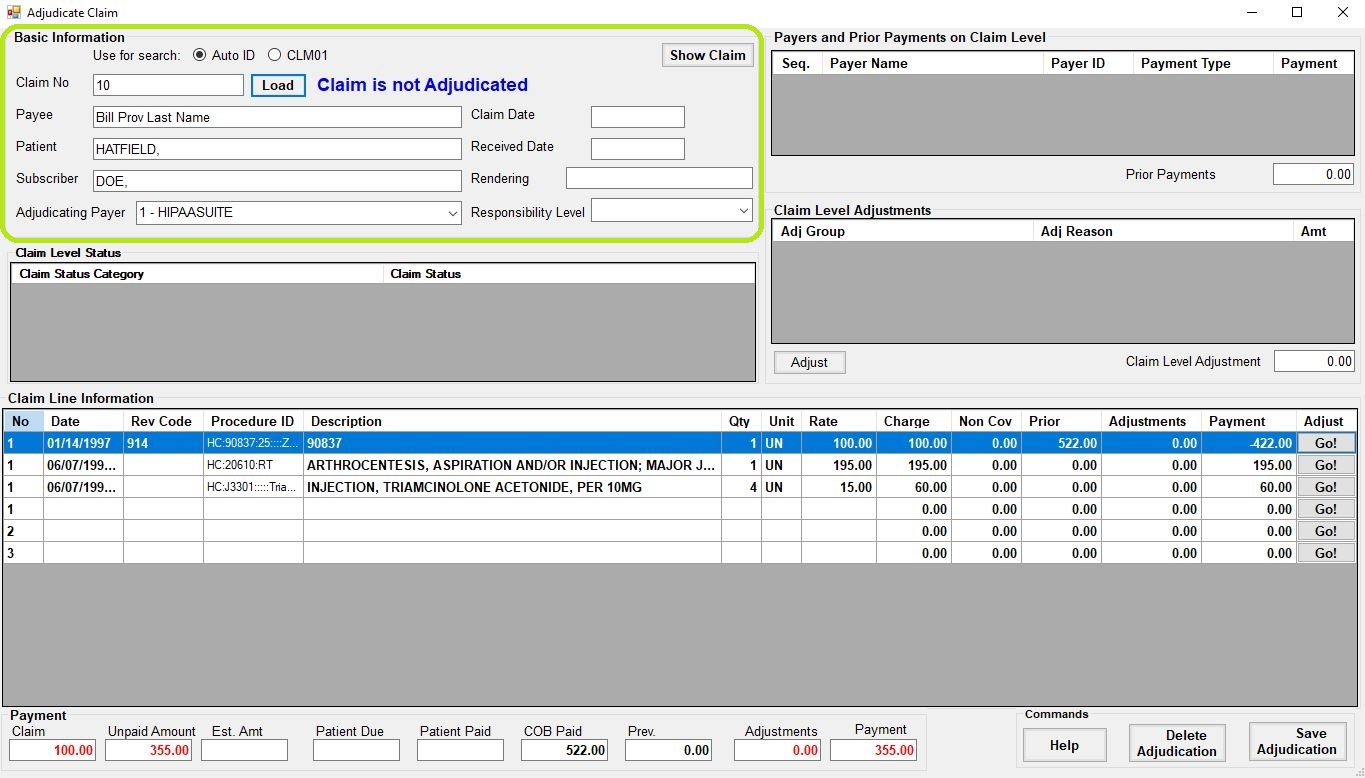
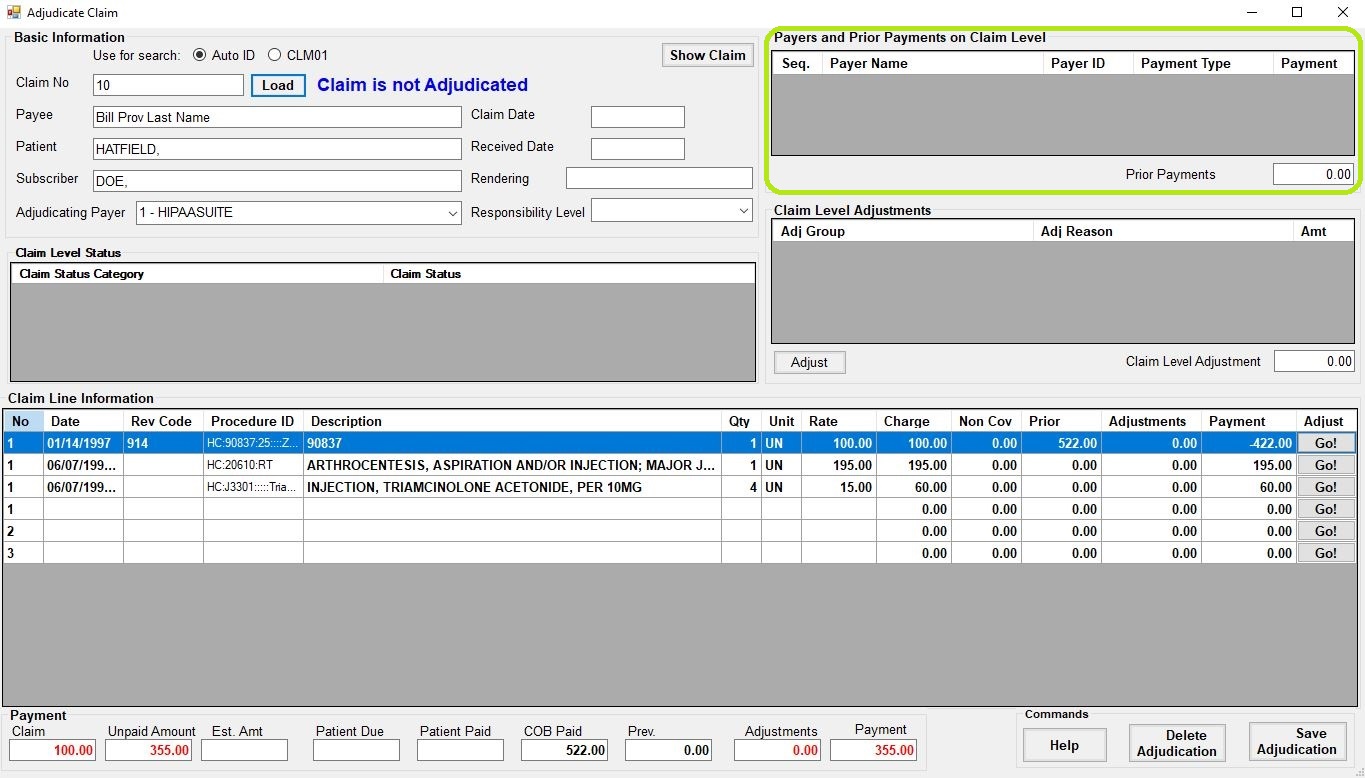
Previous payers will be displayed to the top right.
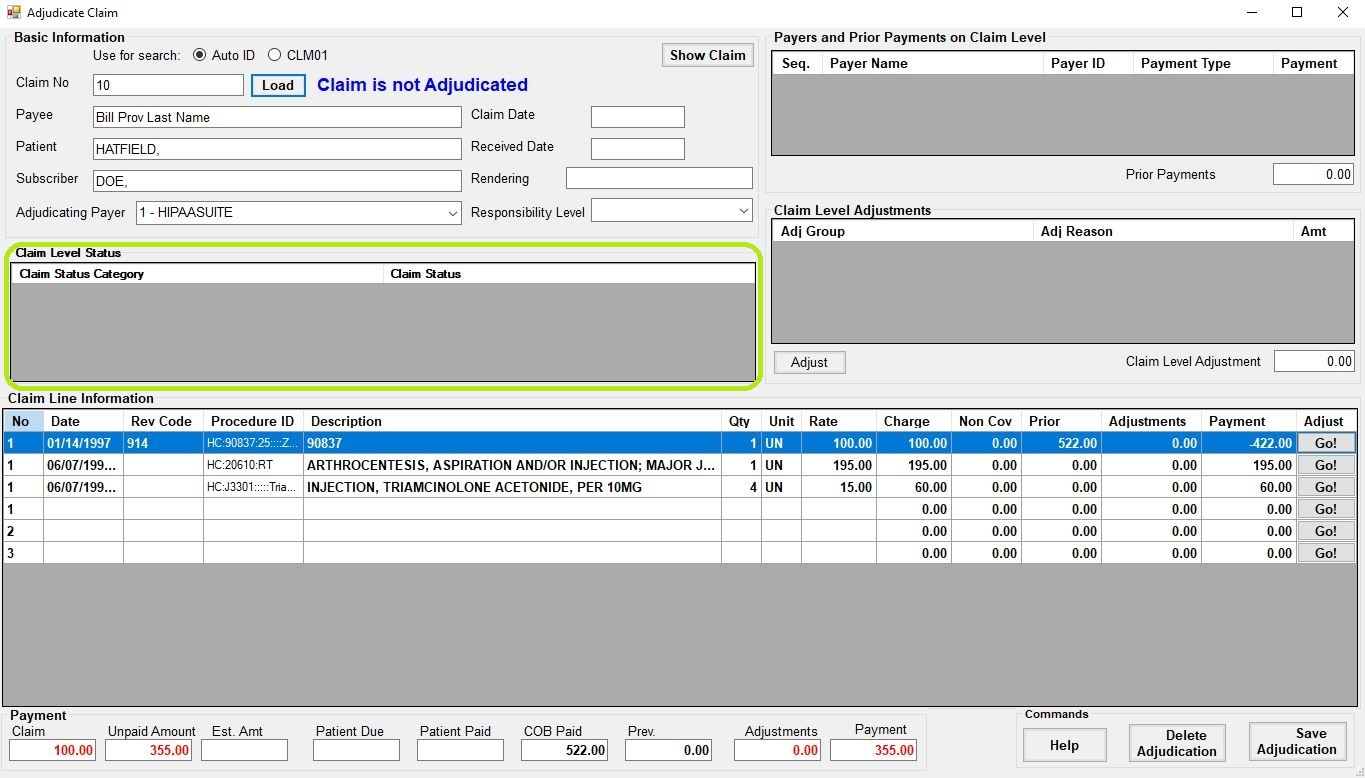
Claim Statuses will be displayed in the middle left.
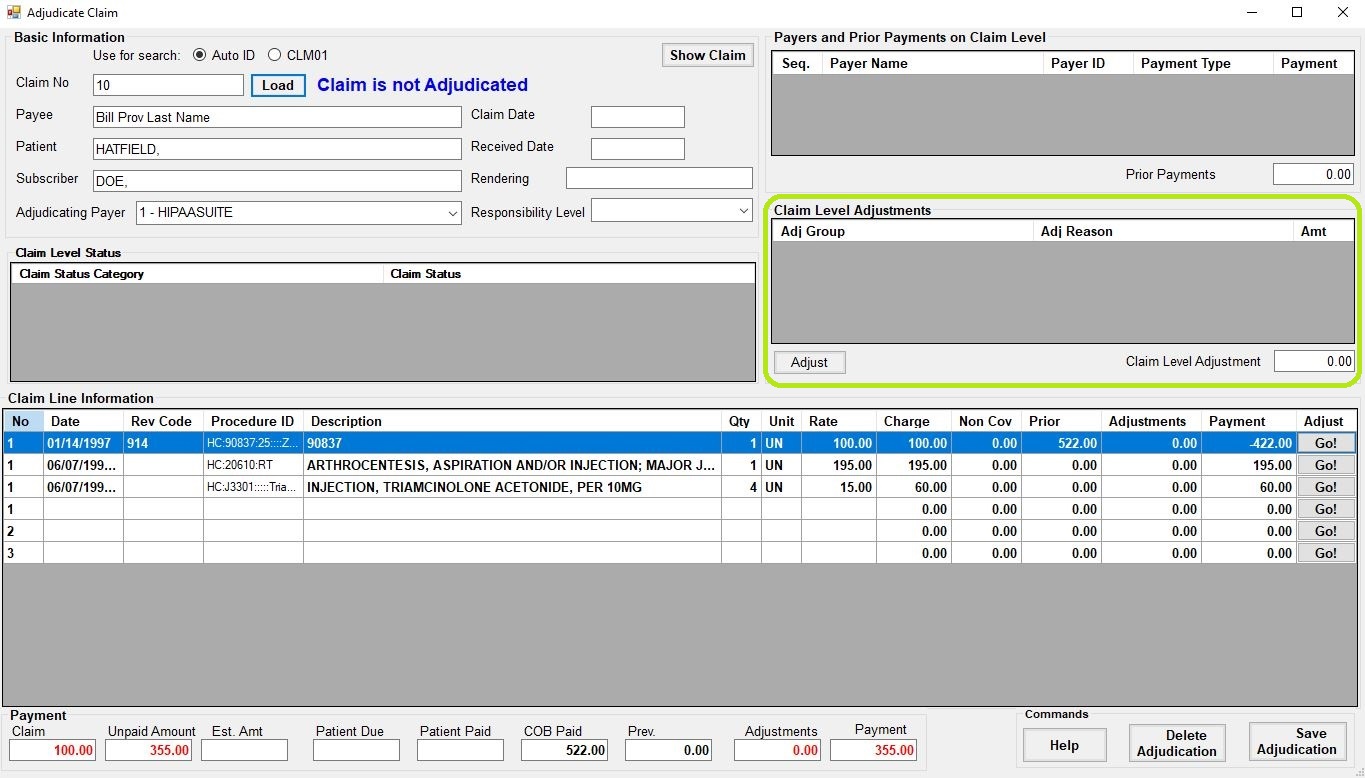
Adjustments at the Claim Level will be displayed in the middle right.
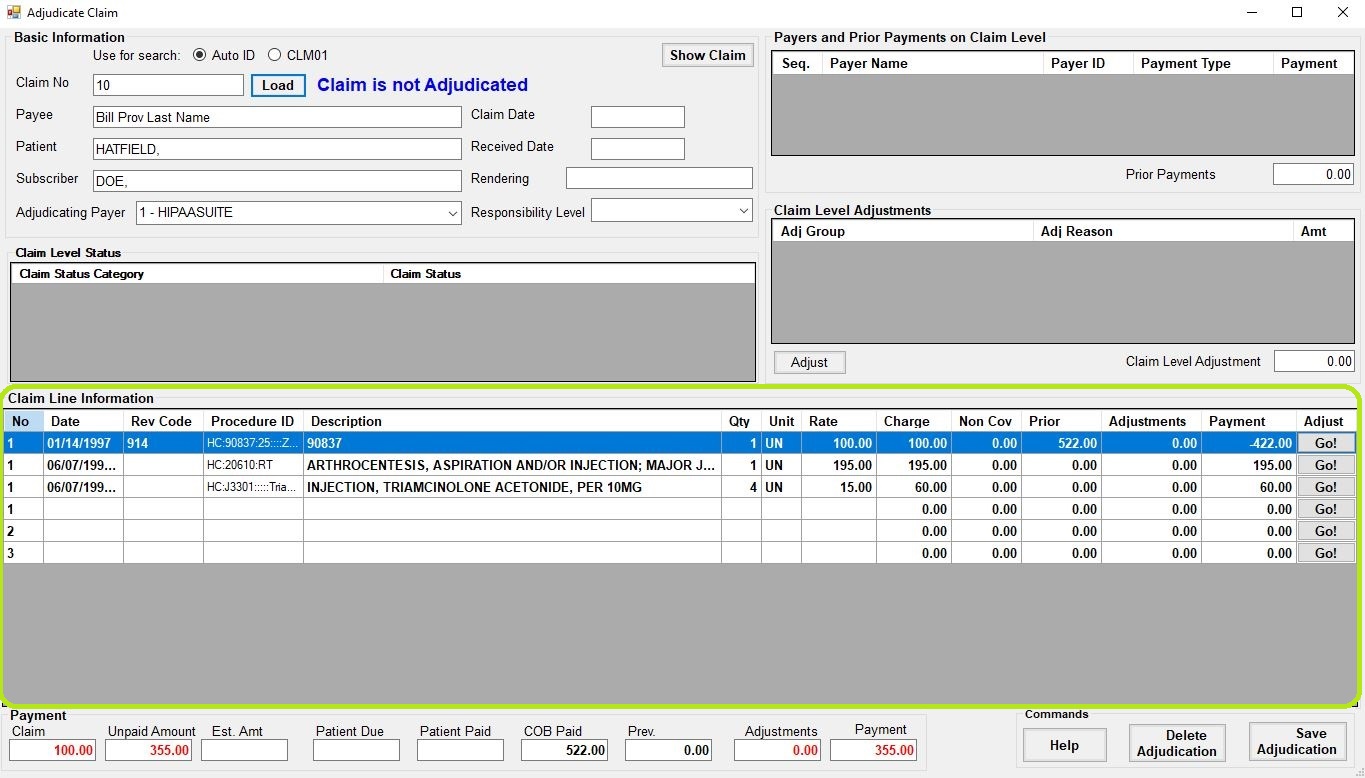
Claim Line details are displayed in the bottom table.
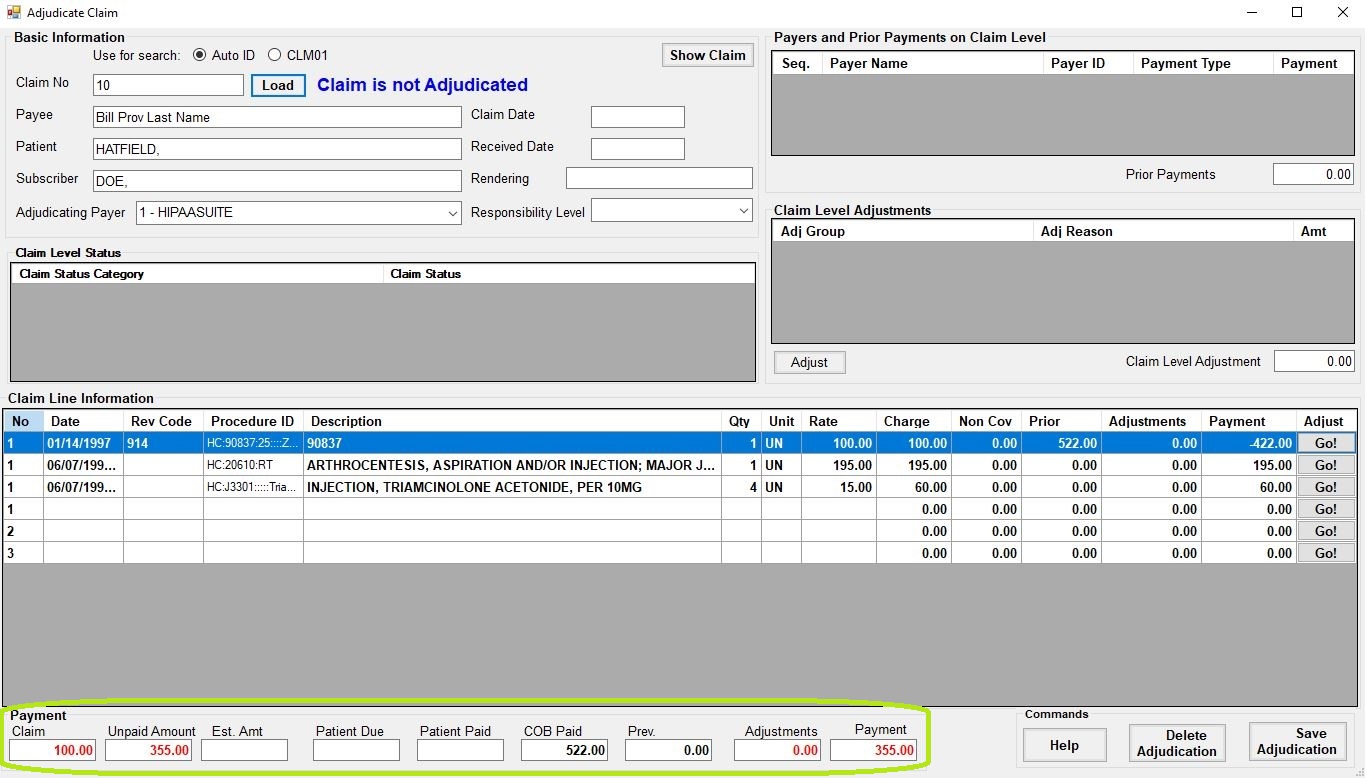
Payment information.
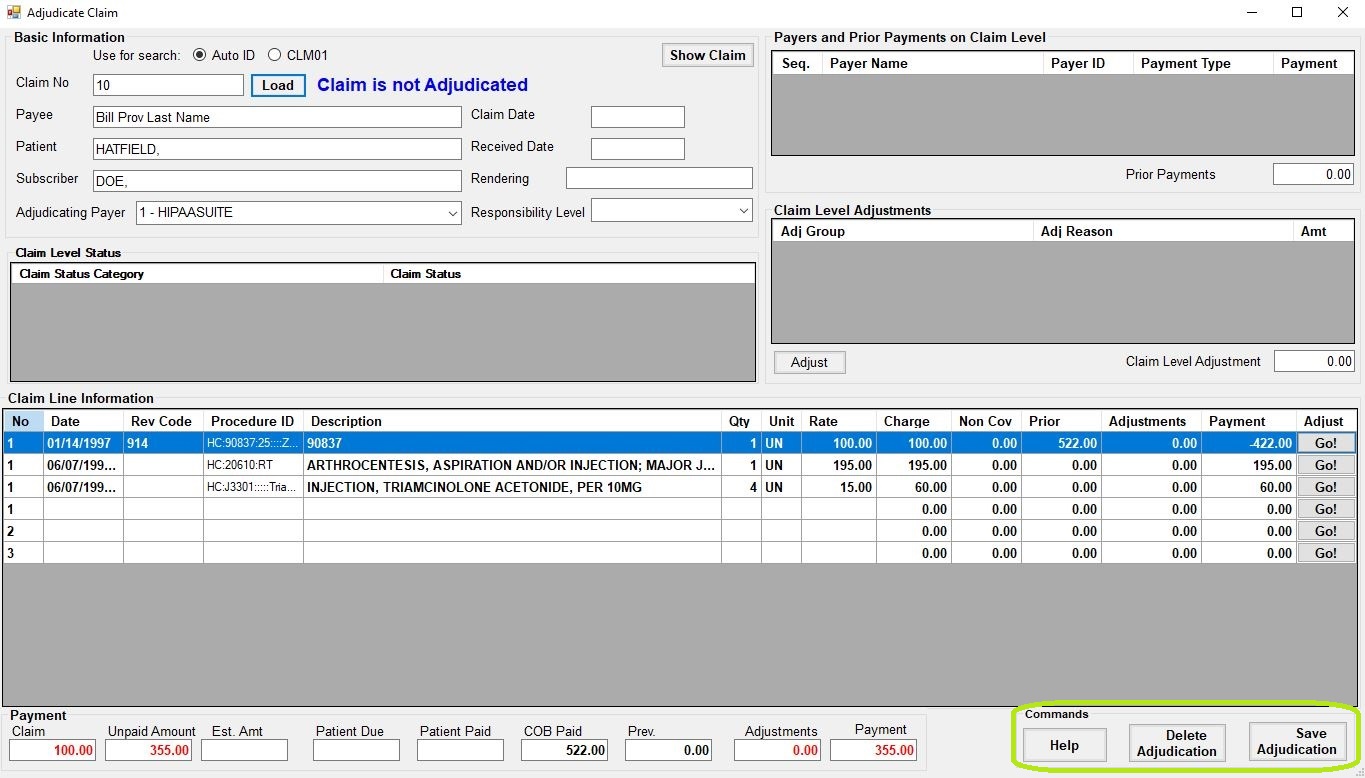
Adjudication commands.