Running the Application via Task Scheduler |
  
|
Running the Application via Task Scheduler |
|
EDI Exchange is integrated with Windows Task Scheduler to automate EDI file exchanges. You can set up EDI Exchange to connect to the Trading Partner's FTP server, download files, decrypt, and compliance check them, and further process them with the appropriate HIPAAsuite application.
Note: Please review the chapter on automation from your HIPAAsuite hosting application's user manual for the steps to schedule a task.
Follow the instructions below to schedule the EDI file exchange process via Task Scheduler.
1.Go to EDI Exchange > Automatic Scheduler in the main menu window.
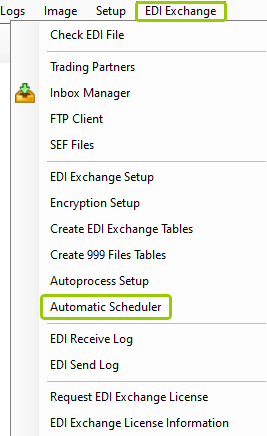
The "Automatic Scheduler" option is under the "EDI Exchange" tab.
The following window will open:
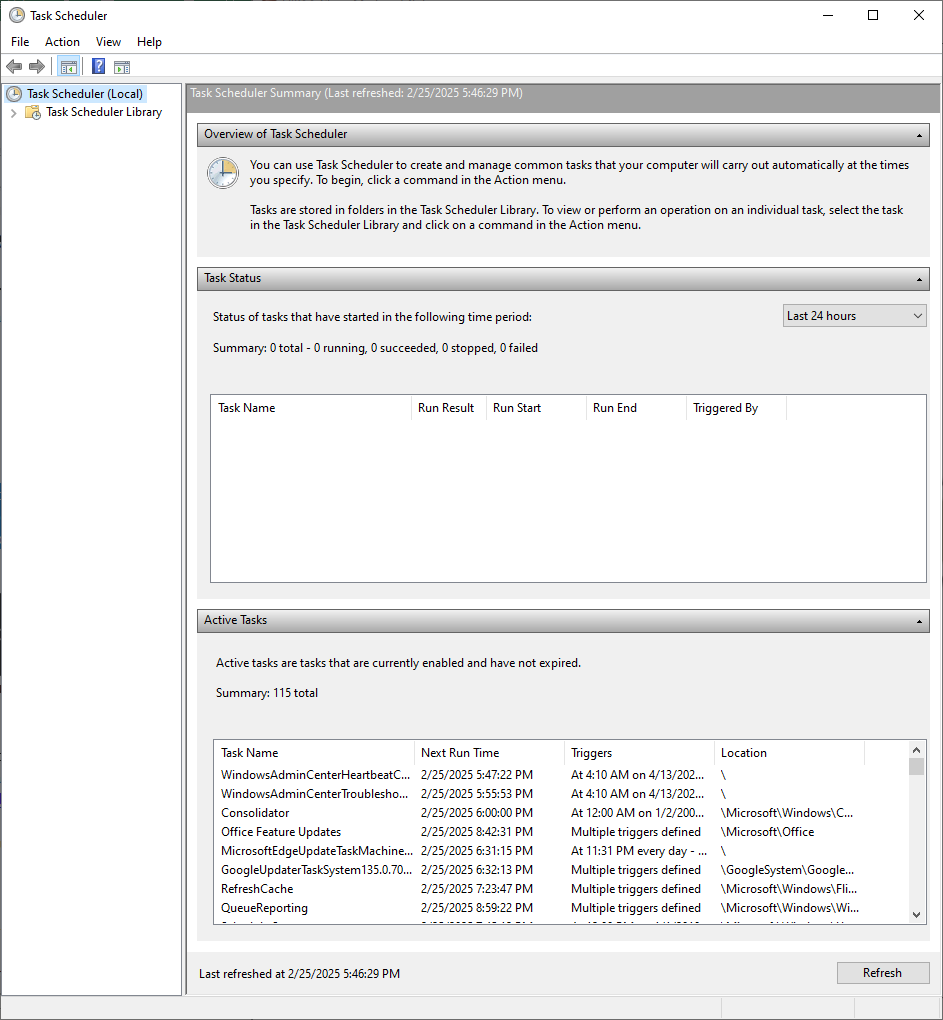
The "Task Scheduler" window.
2.Within the "Task Scheduler" window, click on the "Action" tab, then select "Create Task...."
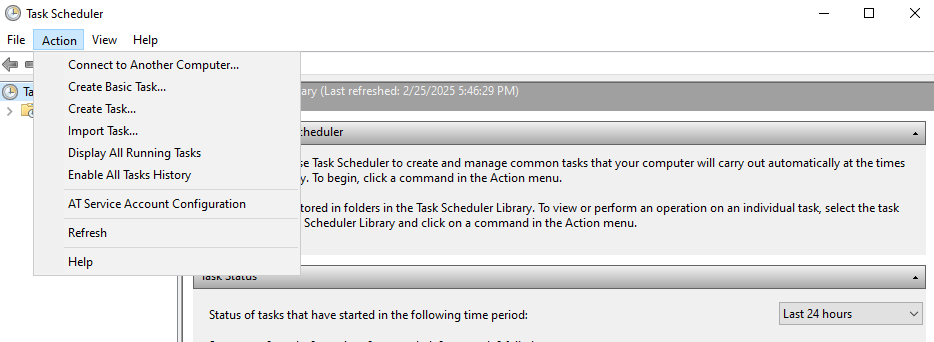
The "Create Task..." option is under the "Action" tab.
3.The "Create Basic Task Wizard" will guide you through setting up automated tasks. Once you are done entering the details of your task, click "Finish" to create the task.
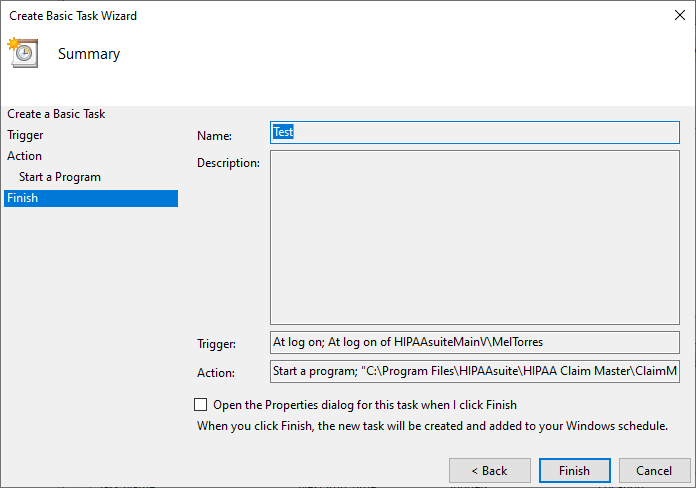
Click the "Finish" button after following the wizard steps.
After creating the task, you can see it under the "Active Tasks" section of the "Task Scheduler" window. For more details on the steps to create a task, see your hosting HIPAAsuite application's users manual.