|
<< Click to Display Table of Contents >> Subscriber-Patient |
  
|
|
<< Click to Display Table of Contents >> Subscriber-Patient |
|
The Subscriber-Patient screen consists of several parts. When we look at the complete screen we see a tabbed control on top with the subscriber and if different the patient information plus some diagnostic information.
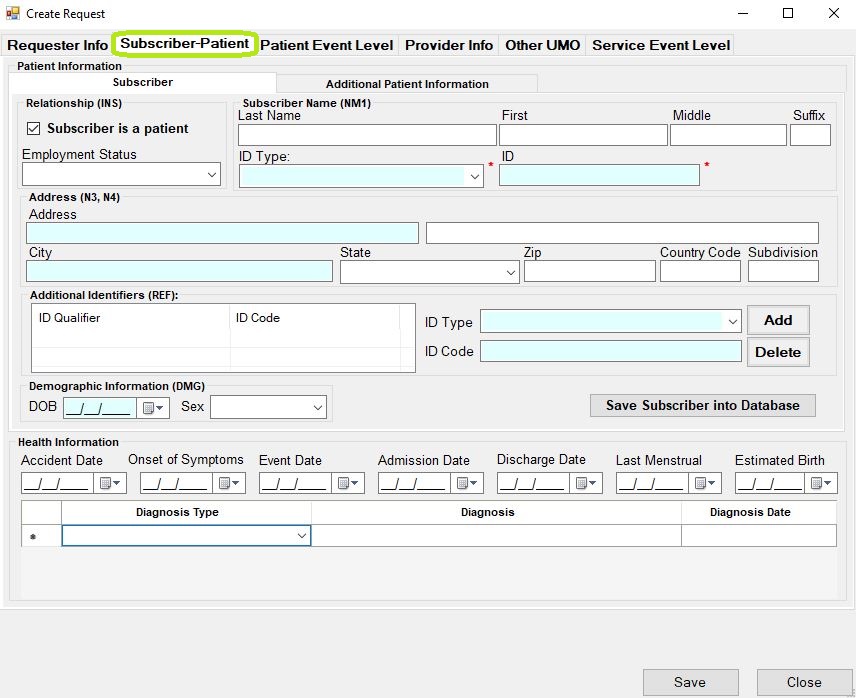
The "Subscriber-Patient" window.
Most fields are self-explanatory. Fields such as Employment Status, Country Code and Subdivision are normally not required or used. The information can be saved into the database in the table "StoredPatient." Once you start typing in the last name field, a drop down appears where you can select previously saved subscribers.
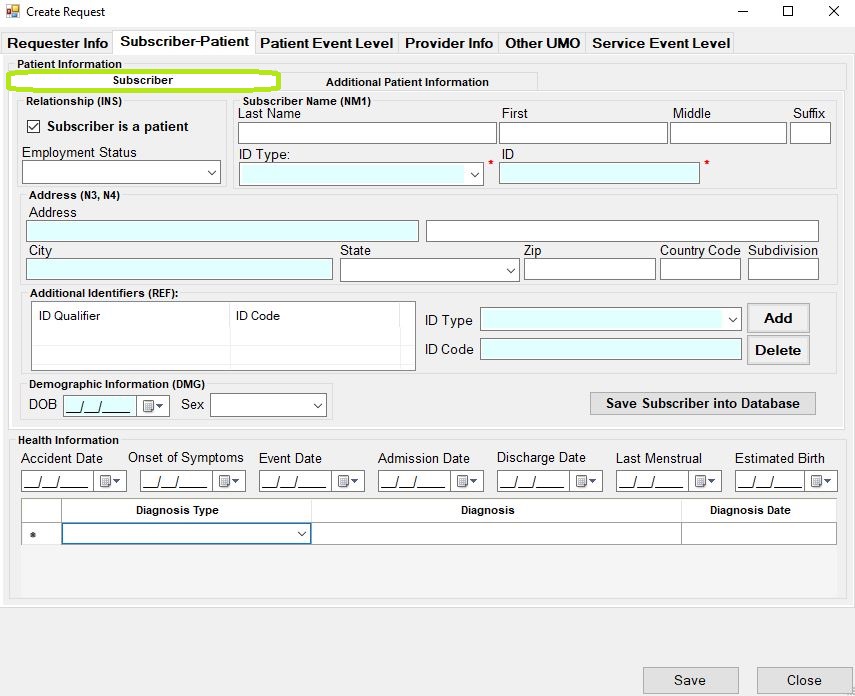
The "Subscriber" section.
In the top left corner is a check mark "Subscriber is a patient." When this is unchecked, the tab with the dependent information appears.
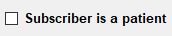
Unchecked "Subscriber is a patient" box.
Again, the fields are self explanatory. Dependent data can be saved to the database for later retrieval just like the subscriber information.
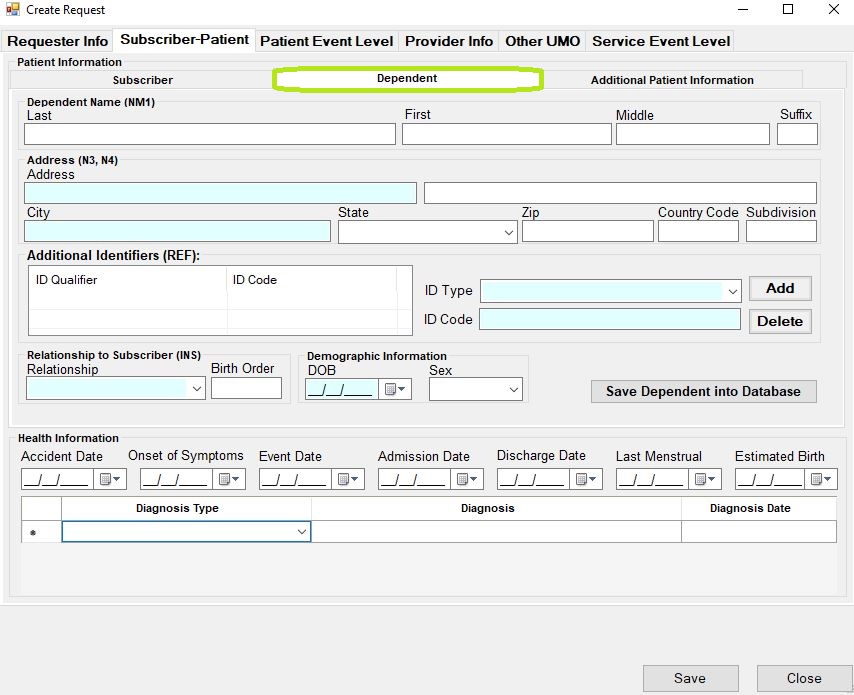
The "Dependent" section.
The last tab is called "Additional Patient Information." Here we have space for a free-form text message and notices of additional paperwork and reports that are separate from this request such as X-rays or diagnostic reports.
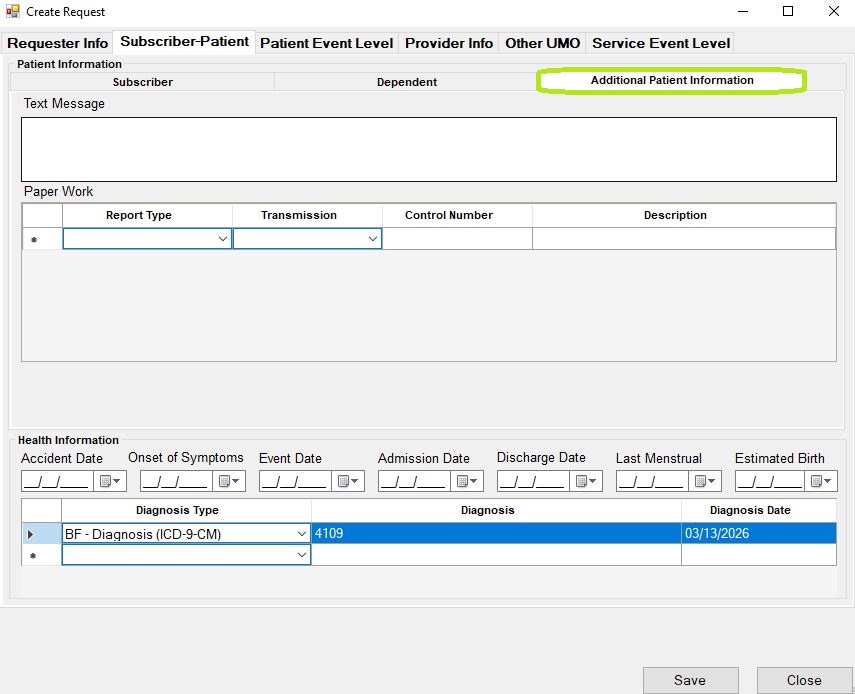
The "Additional Patient Information" section.