|
<< Click to Display Table of Contents >> Review |
  
|
|
<< Click to Display Table of Contents >> Review |
|
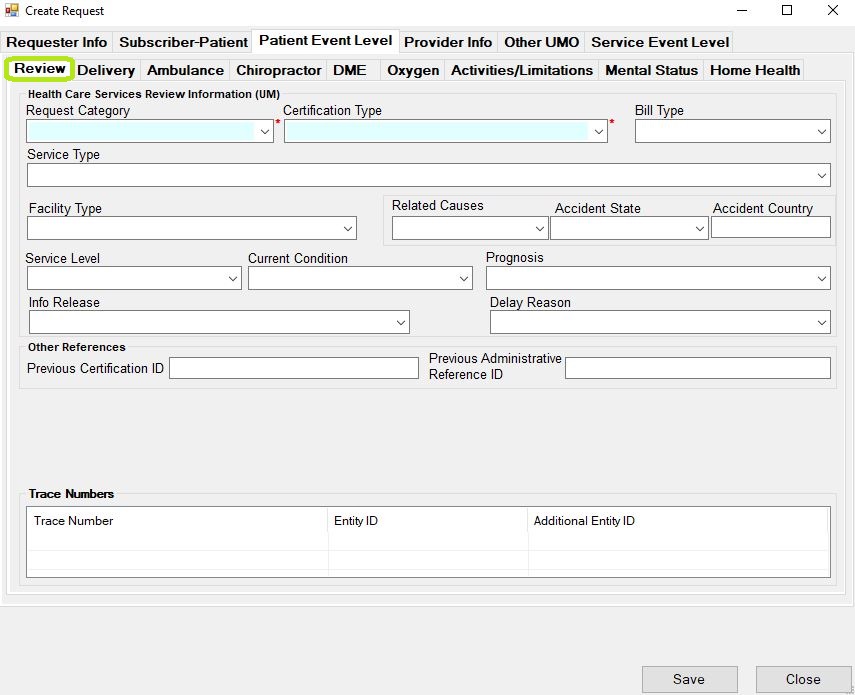
The "Review" screen.
This section contains fields that revolve around what the patient is receiving treatment for. It includes two required fields which are "Authorization Request Category" and "Certification Type."
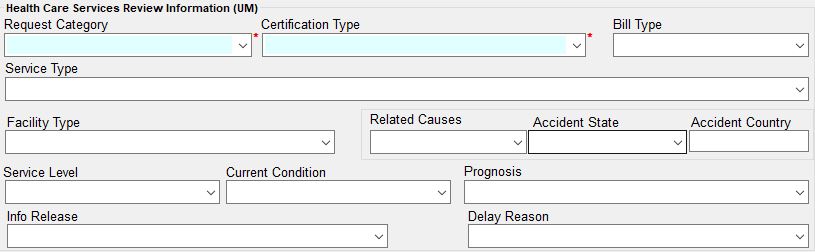
The "Health Care Services Review Information (UM)" section.
The second frame contains previous certification ID's which will be represented by REF segments. If the "A - UB claim form" option is chosen in "Bill Type," another section will appear with institutional claim codes. Usually Admission Type and Admission Source are needed for a valid request with the institutional bill type. This information will create the CLI segment.

The "Other References" section.
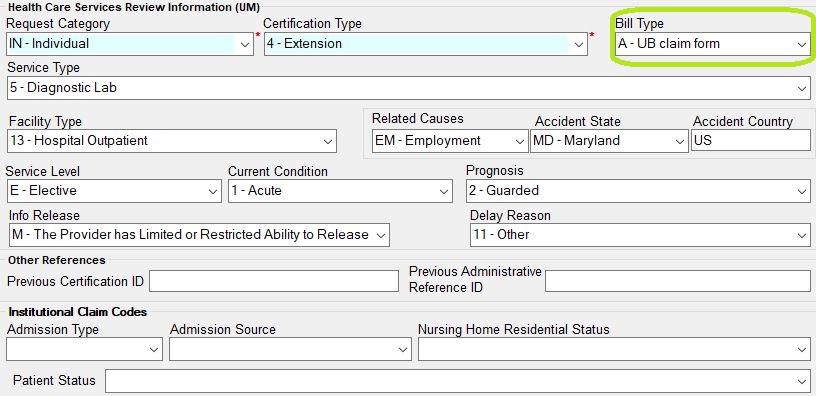
The "Institutional Claim Codes" section.
Lastly the Trace elements are displayed. They belong into the TRN segments and are used to re-associate the response with the request.

The "Trace Numbers" section.