|
<< Click to Display Table of Contents >> Reporting an Issue |
  
|
|
<< Click to Display Table of Contents >> Reporting an Issue |
|
We at HIPAAsuite strive to fix bugs as quickly and transparently as possible to keep your applications functioning properly.
HIPAAsuite implemented Bugtracker.Net in all its products to track bugs and make enhancements, especially due to its screen-capture capabilities. We adapted and included this facility to make it easier to report any issues. There are two ways to report bugs:
You may submit a ticket to receive assistance from the HIPAAsuite support team. Go to Help > Report an Issue in the main menu window.
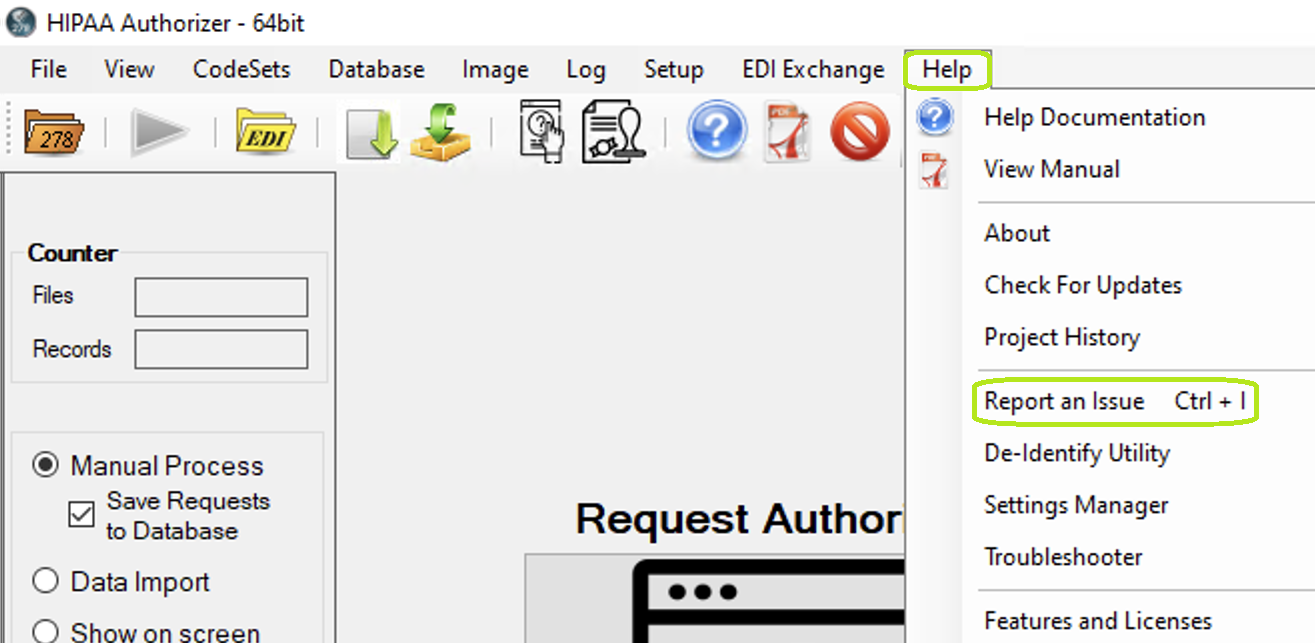
"Reporting an Issue" in main menu.
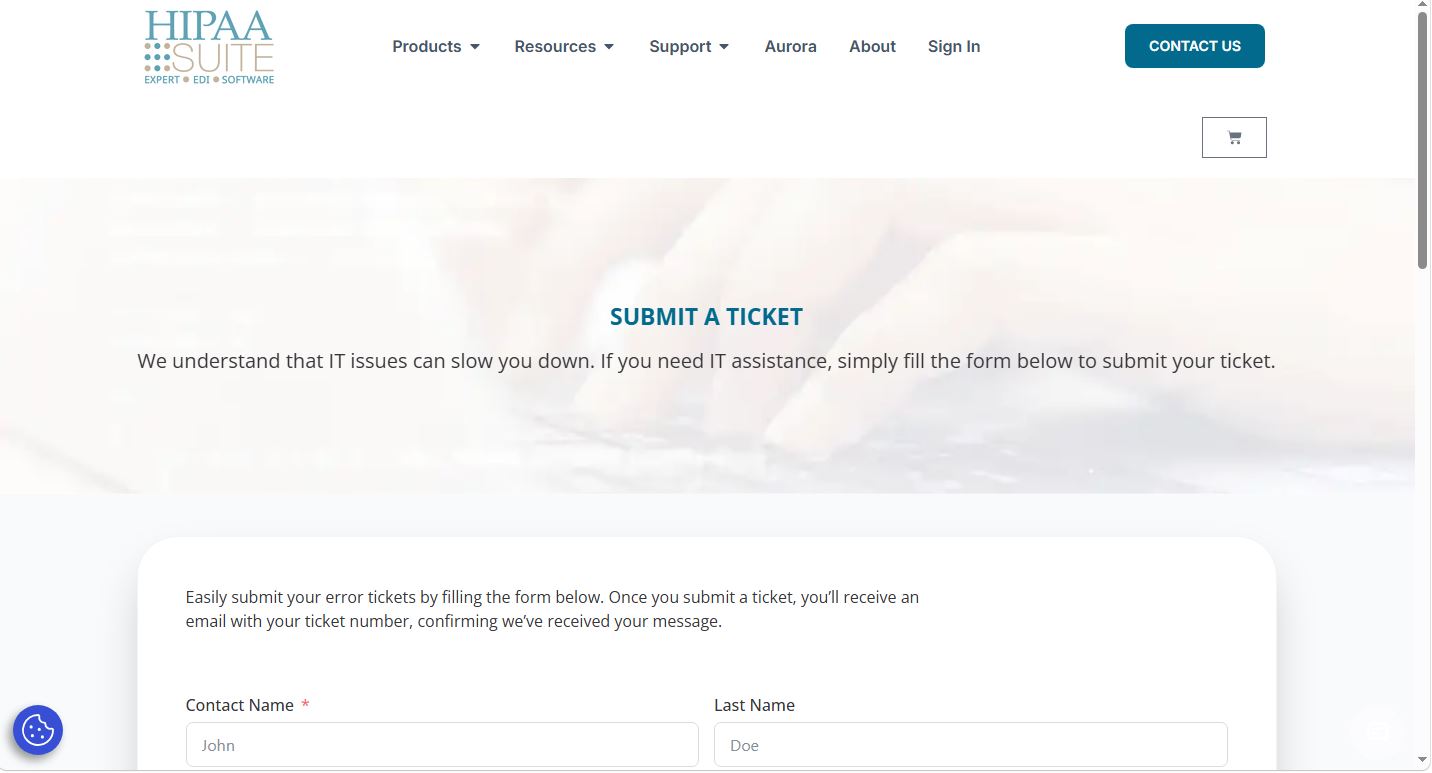
The "Report an Issue" item under the "Help" drop-down menu.
This will redirect you to the HIPAAsuite website where you may submit a ticket.