|
<< Click to Display Table of Contents >> Loading Authorization and Services Review Records |
  
|
|
<< Click to Display Table of Contents >> Loading Authorization and Services Review Records |
|
In Response mode you typically open 278 Request files and load them into the application so that you can view and process them.
The first step is to open a 278 record file. Either do this with the File > Open or by clicking on the File Open button in the tool bar.
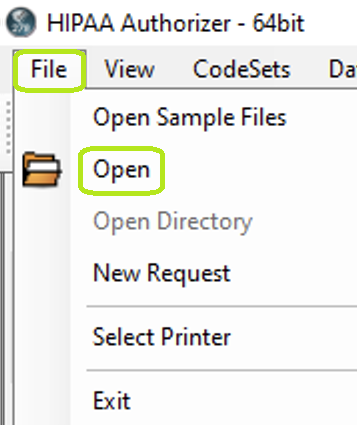
The Open File menu. The "Open File" button is visible to the left of the menu on the tool bar.
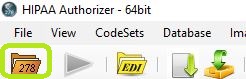
Opening a file with the toolbar.
Once the file is opened, you can process it by clicking on the "Process" button at the bottom of the information bar or by clicking the "Run" button.

The "Run" and "Process" buttons.
The EDI file is now parsed and the individual request records displayed in a grid. From here we can work on each request.
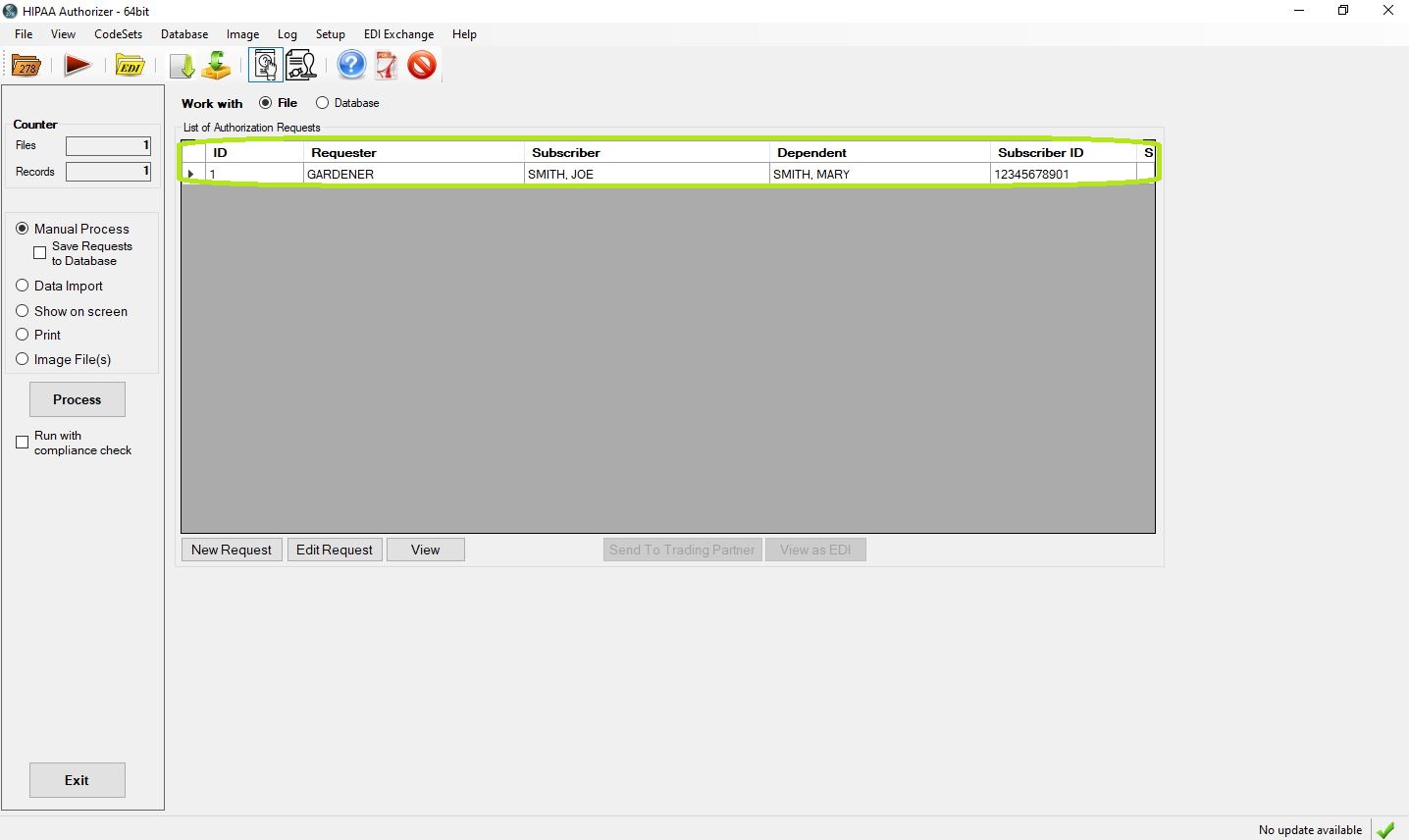
A file is loaded and the individual review requests listed in the grid.