Selecting a Code Set |
  
|
Selecting a Code Set |
|
EDI relies on transaction code sets. These codes represent longer explanations and descriptions.
The code sets are stored in the file codesets.xml in the Configuration subdirectory:
oThis PC\Window (C:)\ProgramData\HIPAAsuite\HIPAA 999 Master\Configuration
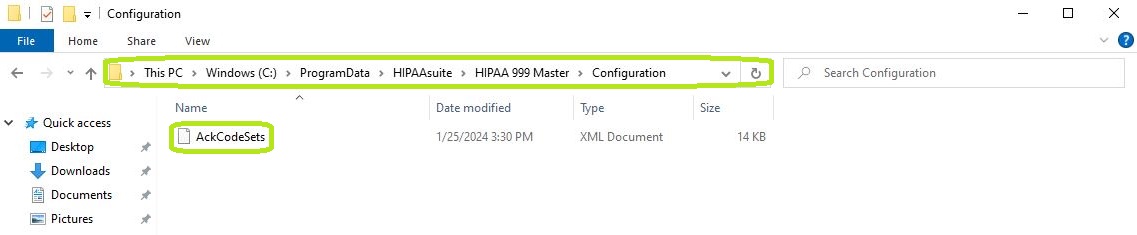
Path to the Configuration folder for the codesets.xml file.
Note: The folder may be hidden.
To view and/or edit transaction code sets in the HIPAA 999 Master application, follow the steps below:
1.Go to the "Code Sets" tab in the main menu window.
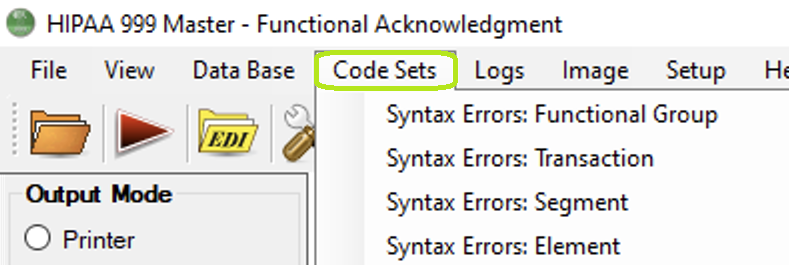
The "Code Sets" tab and its sub-menus.
2.Hover the pointer over one of the sub-menus, then select your desired code set name. The following items are available per sub-menu:
·Syntax Errors: Functional Group
·Syntax Errors: Transaction
·Syntax Errors: Segment
·Syntax Errors: Element
The following screenshot illustrates how to select the "Syntax Errors: Transaction" code set for display.
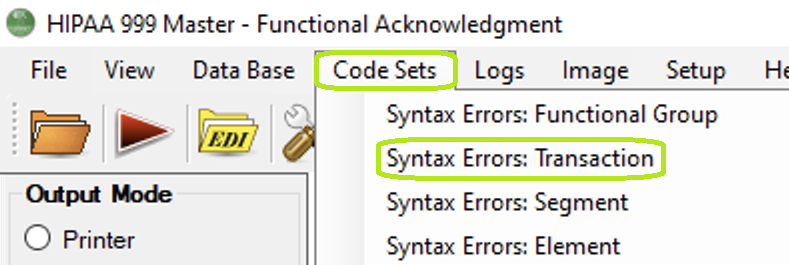
The "Syntax Errors: Transaction" option.
3.The code set configuration window will open.
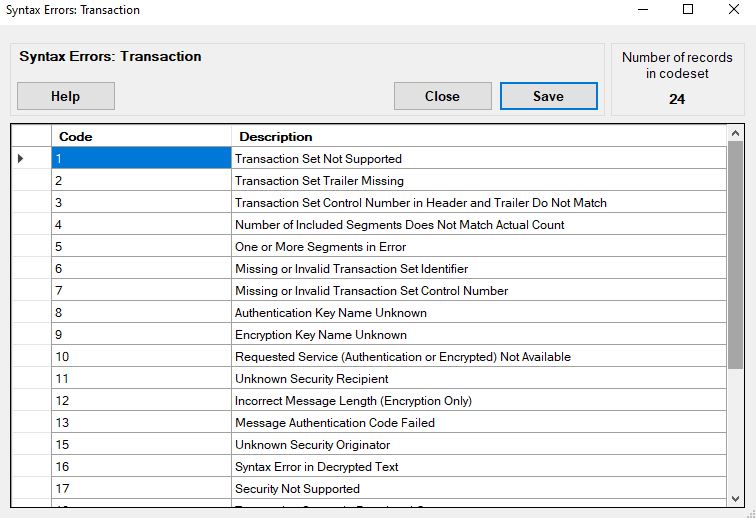
The "Syntax Errors: Transaction" code set window.
4.Once done, click "Save" if you have made any changes or "Close" if you want to exit. If you need more information, click "Help."
See the descriptions of the tools and actions you can find and perform, respectively, in the transaction code set lists:
This shows the total number of codes; in this example, the "Syntax Errors: Transaction" code set has 24 total codes.
The codes are indicated in the source EDI files. The descriptions are displayed instead of codes, making files easier to read. For example, for the "Syntax Errors: Transaction" code set, these are the codes and corresponding descriptions:
o1 — Transaction Set Not Supported
o2 — Transaction Set Trailer Missing
o3 — Transaction Set Control Number in Header and Trailer Do Not Match
o4 — Number of Included Segments Does Not Match Actual Count
o5 — One or More Segments in Error
o6 — Missing or Invalid Transaction Set Identifier
o7 — Missing or Invalid Transaction Set Control Number
o8 — Authentication Key Name Unknown
o9 — Encryption Key Name Unknown
o10 — Requested Service (Authentication or Encrypted) Not Available
o11 — Unknown Security Recipient
o12 — Incorrect Message Length (Encryption Only)
o13 — Message Authentication Code Failed
o15 — Unknown Security Originator
o16 — Syntax Error in Decrypted Text
o17 — Security Not Supported
o18 — Transaction Set not in Functional Group
o19 — Invalid Transaction Set Implementation Convention Reference
o23 — Transaction Set Control Number Not Unique within the Functional Group
o24 — S3E Security End Segment Missing for S3S Security Start Segment
o25 — S3S Security Start Segment Missing for S3E Security End Segment
o26 — S4E Security End Segment Missing for S4S Security Start Segment
o27 — S4S Security Start Segment Missing for S4E Security End Segment
oI6 — Implementation Convention Not Supported
To add a row, click on the last row; you will see an indicator in the first gray field.
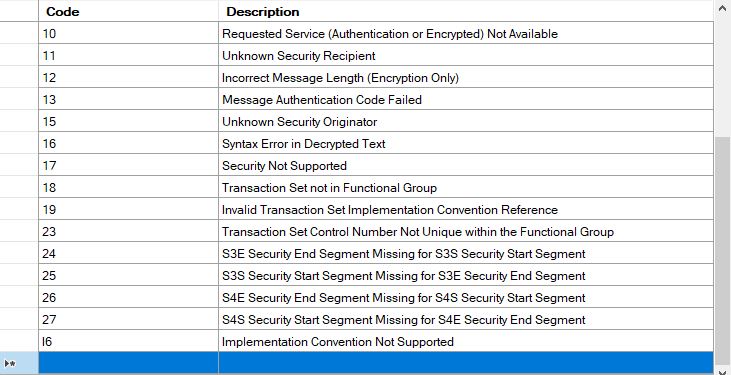
The indicator is shown in the left column.
To edit, double-click the cell you want to change. You may also start typing to enter Edit mode as well. Clicking or moving outside this cell overwrites the cell contents with the new value. To make these changes permanent, click the "Save" button.
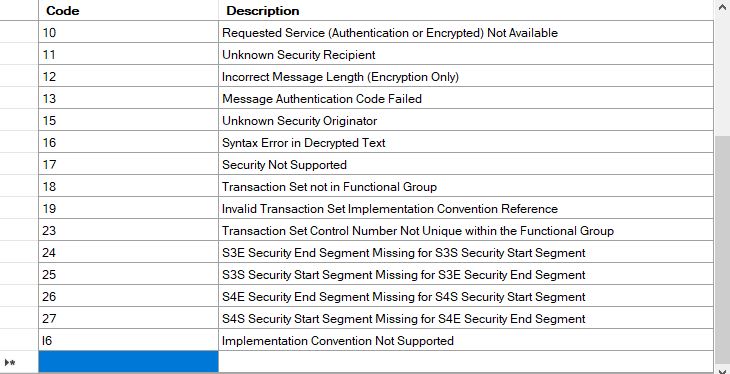
Click on the cell you want to write.
To delete a row, click the left margin. This action will highlight the whole row. Then, press the Delete key on your keyboard.
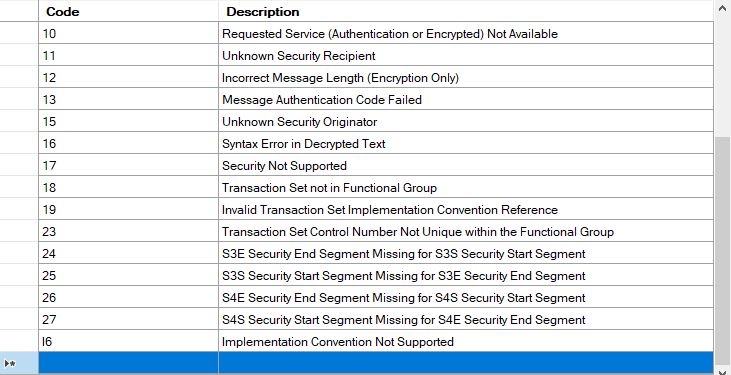
Now press the <DELETE> key on your keyboard.