Printing the Records |
  
|
Printing the Records |
|
As another feature, the HIPAA Enrollment Master application allows for the printing of Benefit Enrollment Files if users prefer a physical form. Follow the instructions below to print an electronic enrollment:
1.Select the "Printer" option in the "Output Mode" box.
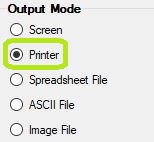
The "Printer" mode is in the "Output Mode" box.
2.Open an EDI file or directory containing the EDI files in the HIPAA Enrollment Master application. Read more in Processing a Benefit Enrollment File and Processing an Entire Directory.
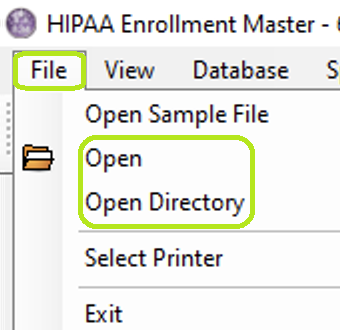
In the "File" tab menu, you can select if you want to open a file or directory.
3.Click on the "Run" button.
The "Run" button.
4.After the printing is done, a "Processing Results" window will open. If there is no printer, a new window will open instead, prompting you to save the enrollment as a PDF file.
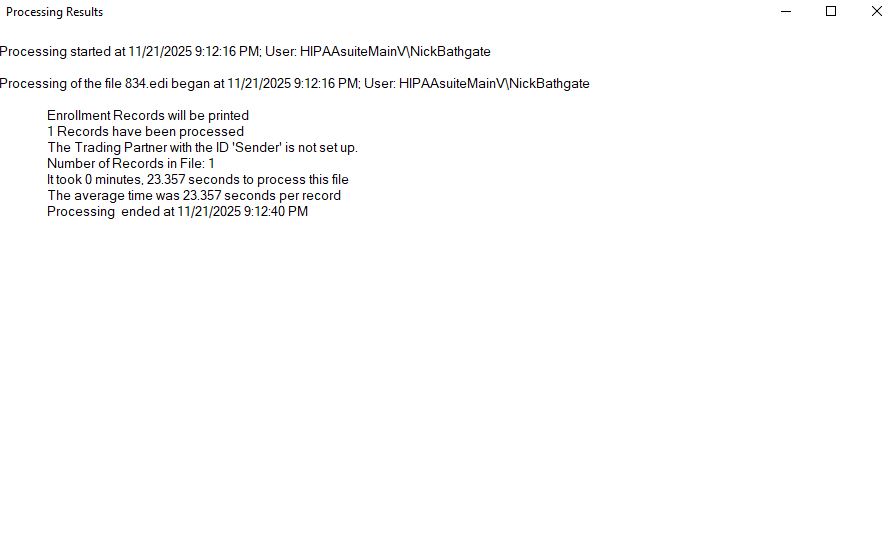
The "Processing Results" window.