Creating Tables |
  
|
Creating Tables |
|
How to Create Tables
1.Go to Database > Create SQL Tables in the main menu window.
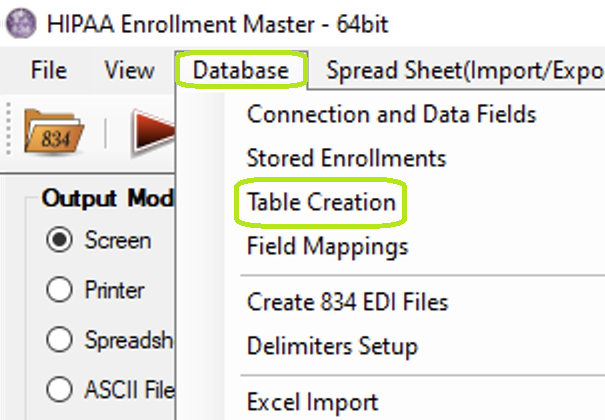
The "Table Creation" menu.
The following window will be displayed.
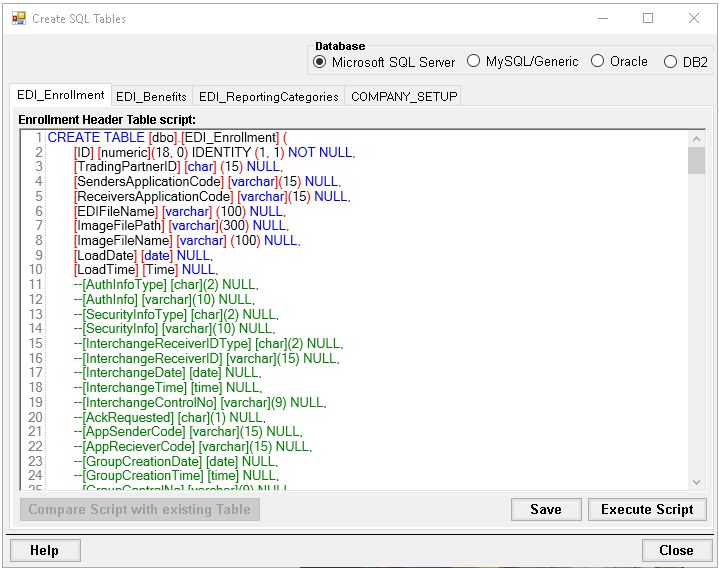
2.Define the following options:
Database

The "Database" box with the four database options.
Within the "Database" box, the user may select one of four Database options, as listed below:
oMicrosoft SQL Server
oMySQL/Generic
oOracle
oDB2
There are four Database types the HIPAA Enrollment Master supports:
oMicrosoft SQL Server
oMySQL/Generic
oOracle
oDB2
In the following sections, you will see the scripts for each Database type. If you have a database that is not mentioned here, we recommend two options:
oHave a database administrator change the scripts to work.
oCreate the fields in your database administration tool according to the specifications in the scripts.
Scripts
On the following tabs there are SQL scripts used to create the appropriate tables:
·EDI_Enrollment Tables Script
·EDI_Benefits Tables Script
·EDI_ReportingCategories Tables Script
·COMPANY_SETUP Tables Script
Tip: You can modify the scripts so that they run on your specific database and to conform to your database's specific SQL syntax. For each script, click "Save."
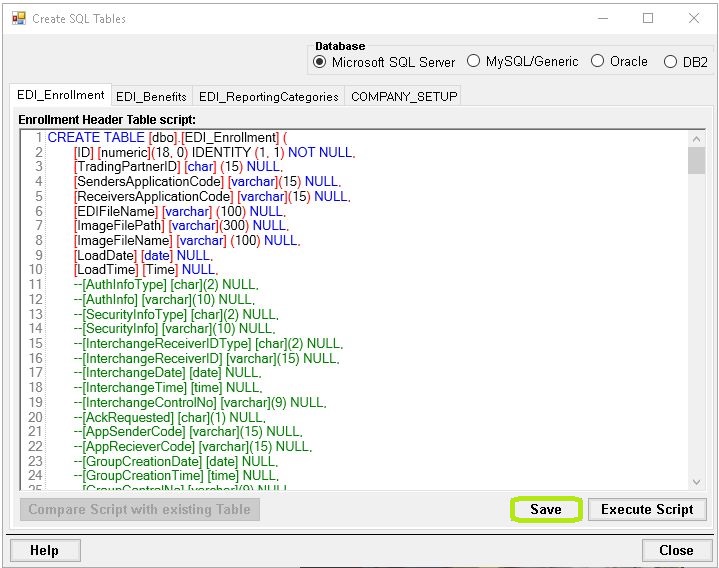
The "Save" button.
For each script, click "Execute Script" to create the corresponding table in the database.
Warning: If the database tables already exist, executing the “Create Table” scripts will drop and recreate those tables. This means:
·All existing data in those tables will be permanently lost.
·Any customizations made to the table structure will be overwritten.
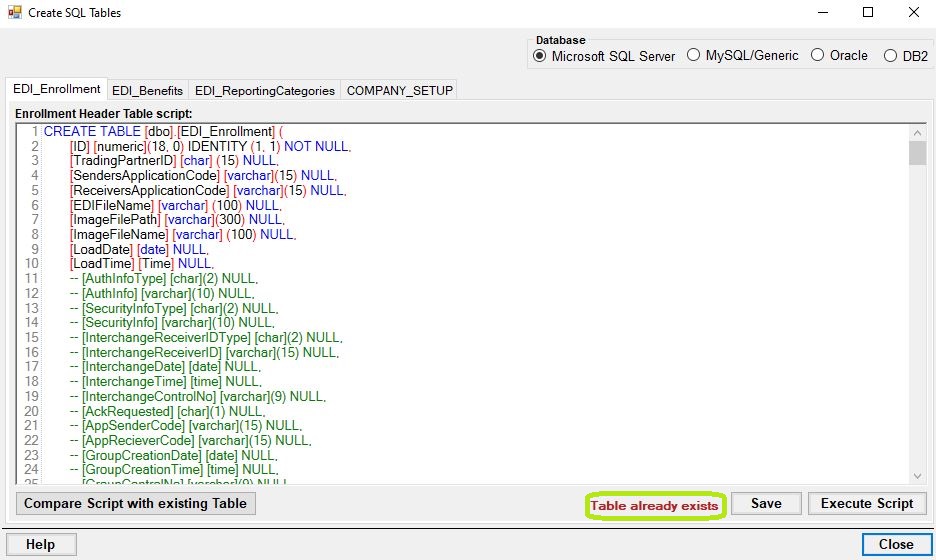
Table already exists.
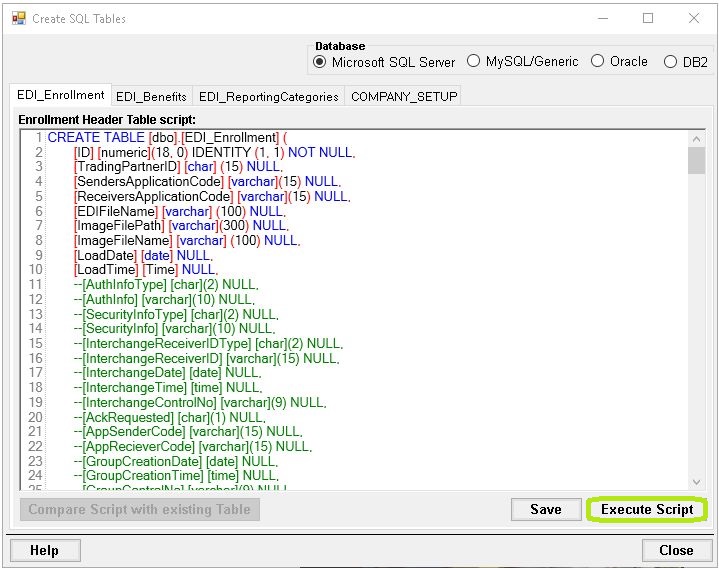
The "Execute Script" button.
Once the table has been created successfully, you will see the following notification: