|
<< Click to Display Table of Contents >> Stored Eligibility Responses |
  
|
|
<< Click to Display Table of Contents >> Stored Eligibility Responses |
|
When we load 271 files, the information is extracted and then stored in the appropriate database tables. We can access the records from the work grid if they belong to a request that we sent out, but we can also get to see this information by going to Database > Stored Eligibility Responses.
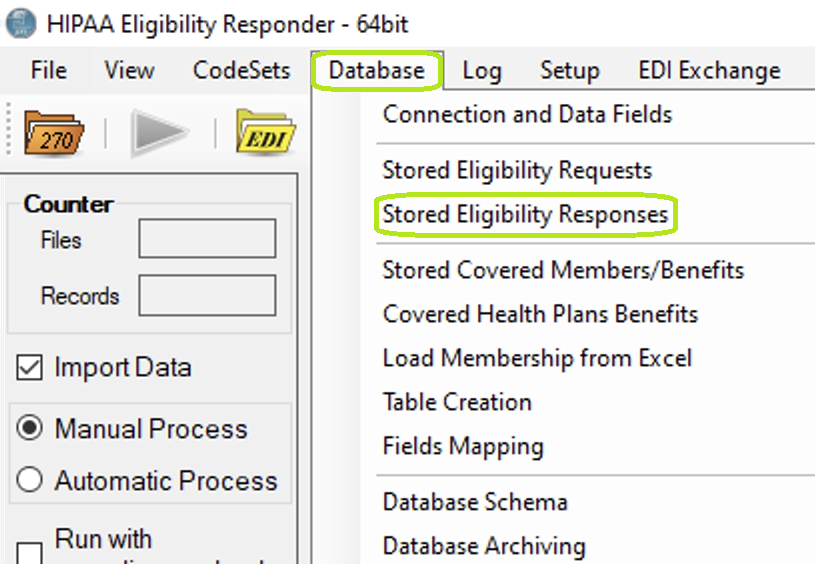
The menu item "Stored Eligibility Responses."
When we click on this menu item the following screen comes up:
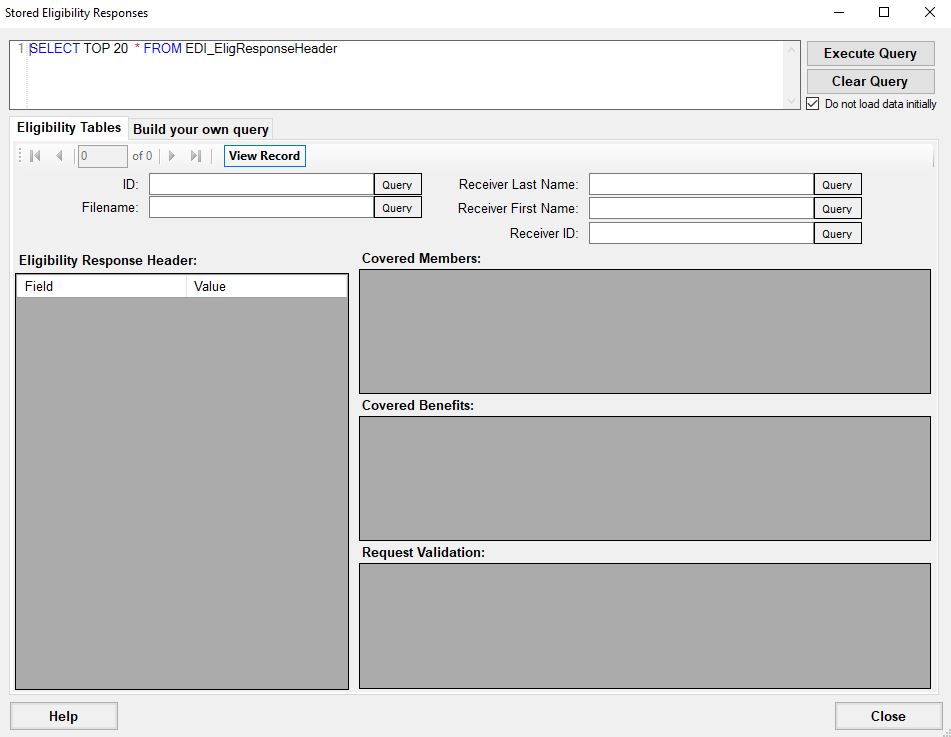
Eligibility Requests screen.
The Stored Responses window is used to find any response handled by the application. Use the query text box to request a record or any of the "Query" buttons to automatically generate a query using the text box next to the pressed "Query" button.