|
<< Click to Display Table of Contents >> Viewing the Database Schema |
  
|
|
<< Click to Display Table of Contents >> Viewing the Database Schema |
|
To access the database schema, go to Database > Database Schema in the main menu window.
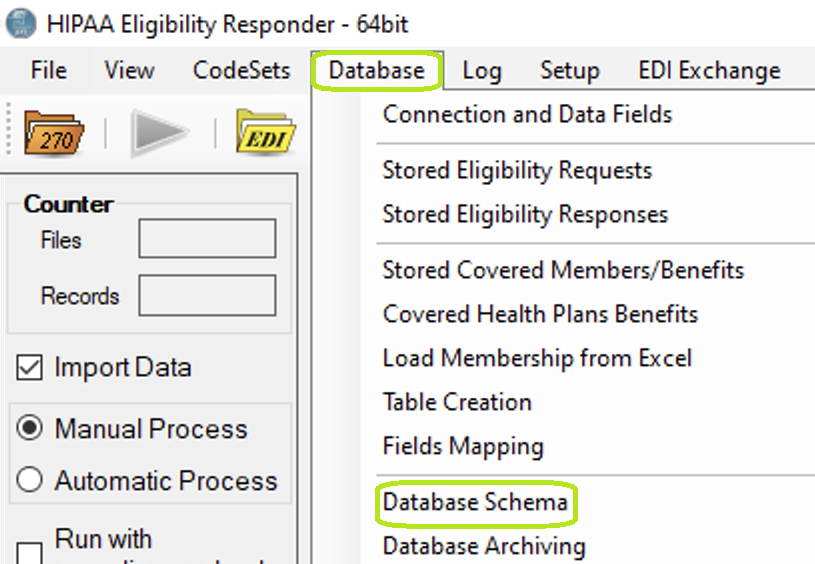
The "Database Schema" menu.
You will see the following window:
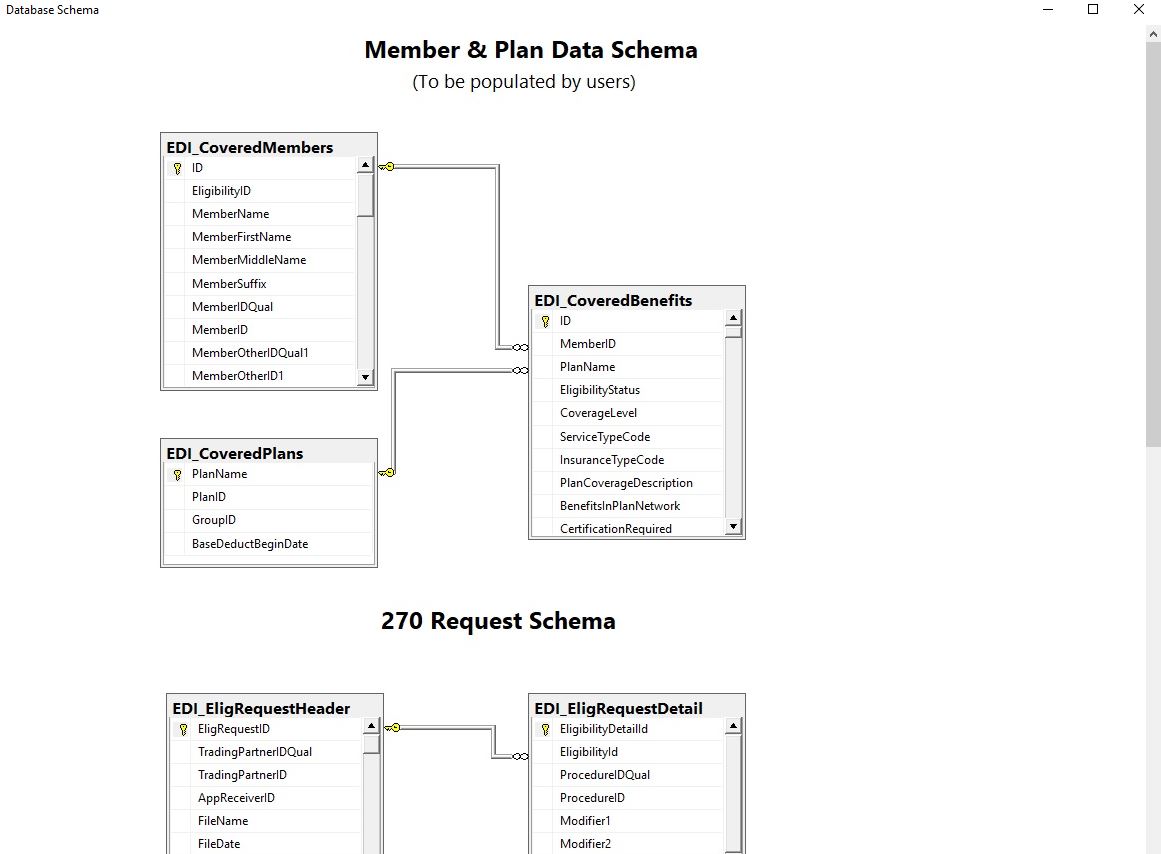
The "Database Schema" window.
This window shows how the tables are inter related.