Stored Eligibility Requests |
  
|
Stored Eligibility Requests |
|
Requests that have either been entered manually or through the manual entry process can be stored in the database, if this feature is licensed. To access these records, go to Database > Stored Eligibility Requests.
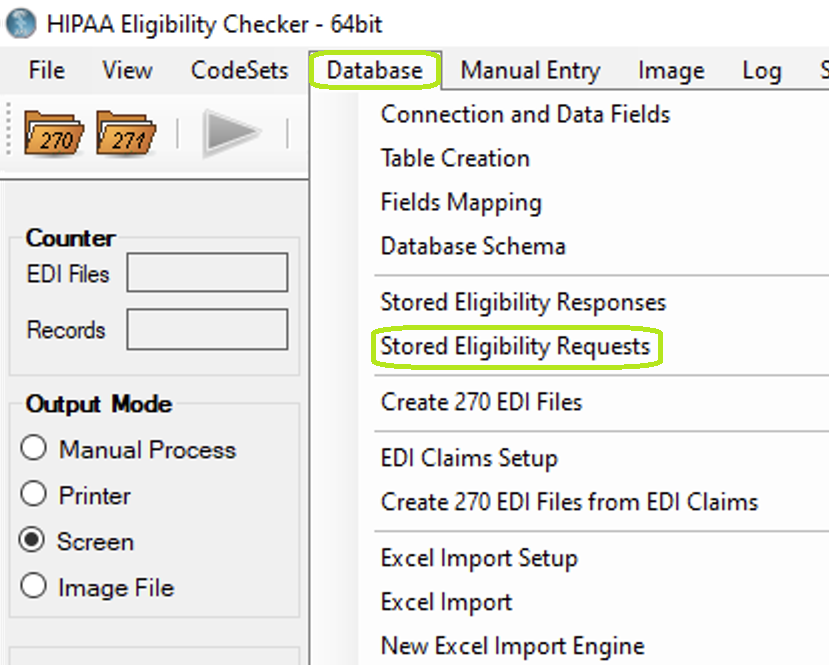
The menu item "Stored Eligibility Requests."
If we click on this item, the following screen comes up:
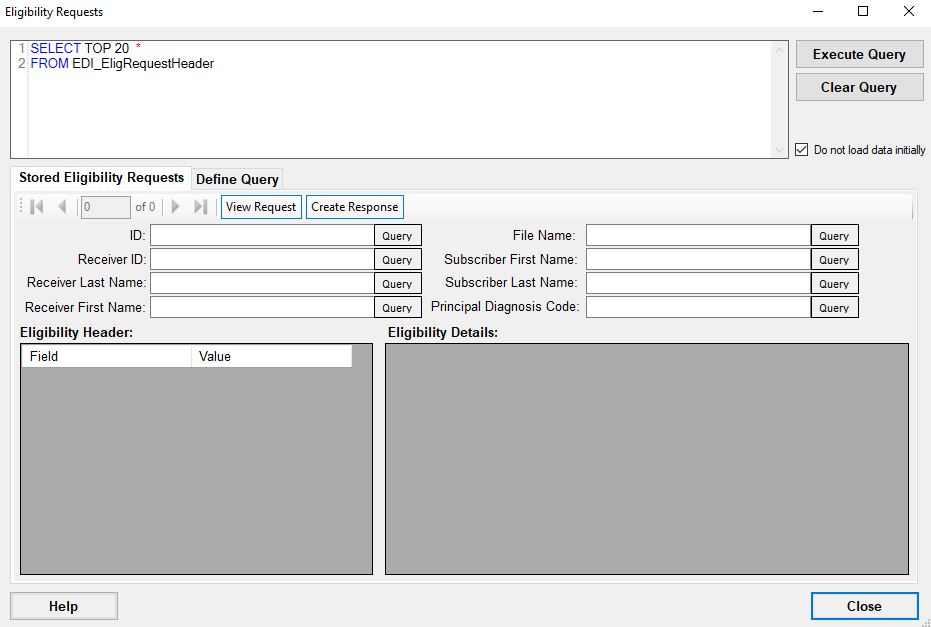
Eligibility Requests screen.
Here all eligibility requests stored in the database can be seen. Use the query box at the top left to make a custom query or use any of the text fields to build a query based on the input text. Clicking any of the "Query" buttons will fill in the query text box with a query requesting any records with a particular ID, Receiver ID, Receiver Last Name, and so on. Click on "Execute Query" to search the database.