Launching the Application |
  
|
Launching the Application |
|
First, check that the HIPAA Eligibility Checker application is installed (see Registering for HIPAAsuite and Installing the Application). Once the application is installed, the user may follow the steps below to launch it:
1.During installation, an icon is placed on the desktop. Double click the icon to open the program.

HIPAA Eligibility Checker desktop icon.
2.Open the "Start" menu and search for the "HIPAAsuite" folder, then click on the application.
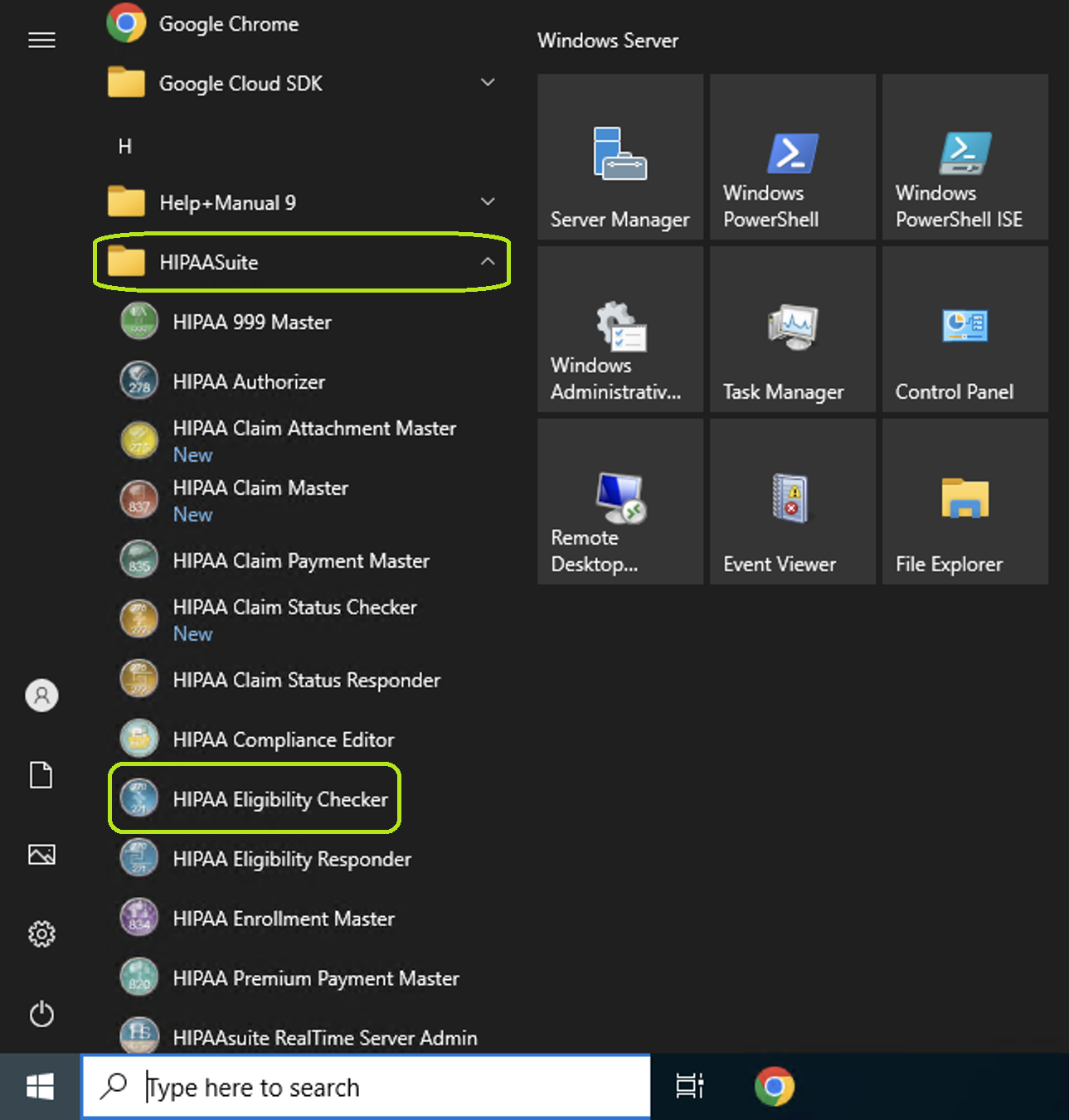
The HIPAA Eligibility Checker application is launched from the "Start" menu.
The following window will open:
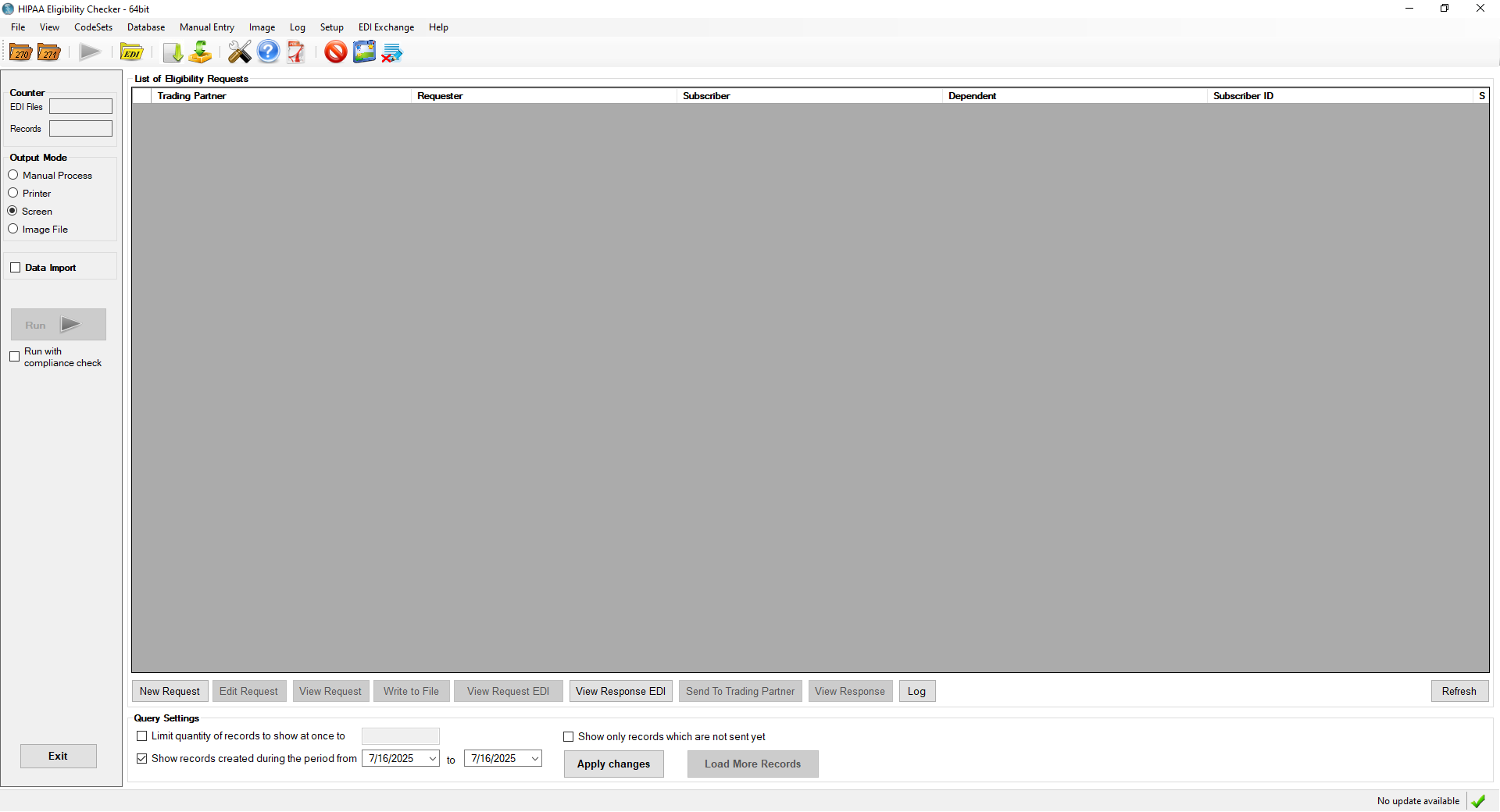
The main menu window of HIPAA Eligibility Checker.
2.Once the main menu window opens, you may open an EDI file. See Processing an Eligibility Benefit and Processing an Entire Directory.