Setup |
  
|
Setup |
|
Before using the form to create 276 Claim Status Requests from claims you need to set up the application. Go to Database > EDI Claims Setup in the main menu window.
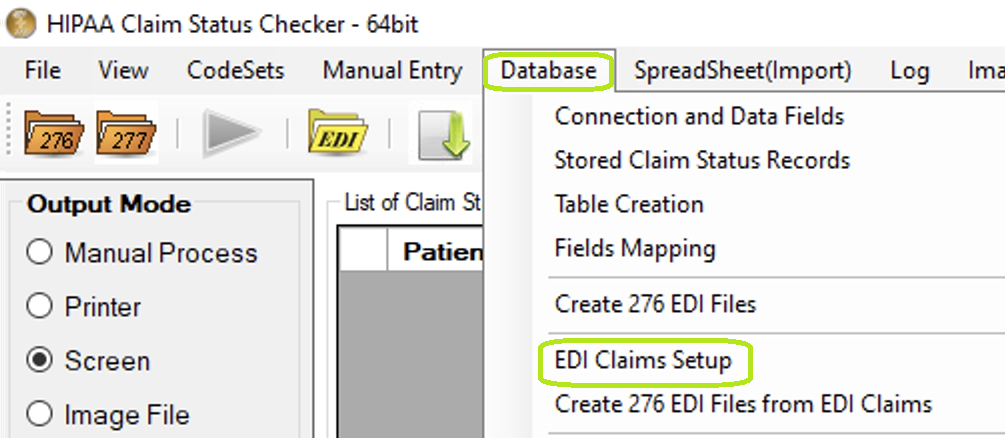
"EDI Claims Setup" option under "Database" menu.
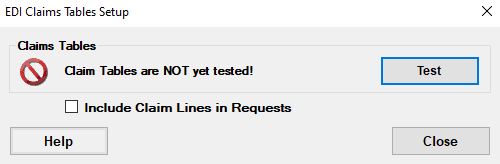
"EDI Claims Setup" form.
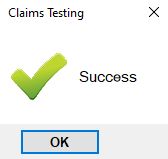
"Claims Testing" pop-up.
To check for the existence of HIPAA Claim Status Checker's tables press the "Test" button. If tables are found, the window will look like:
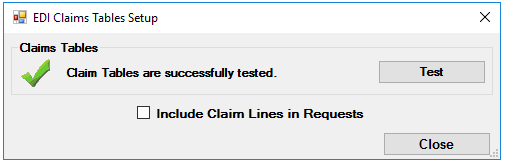
"EDI Claims Setup" form after successful testing.
If you want to include lines information in request check "Include Claim Lines in Requests."

'Include Claim Lines in Requests' check box on "EDI Claims Setup" form.