Receiving 277 Responses |
  
|
Receiving 277 Responses |
|
Requests made from a single row in the workplace are sent in RealTime mode. A response will usually be received in under 20 seconds. Upon receiving a response, double-click the row or right-click it and select "View Response" to view the response file.
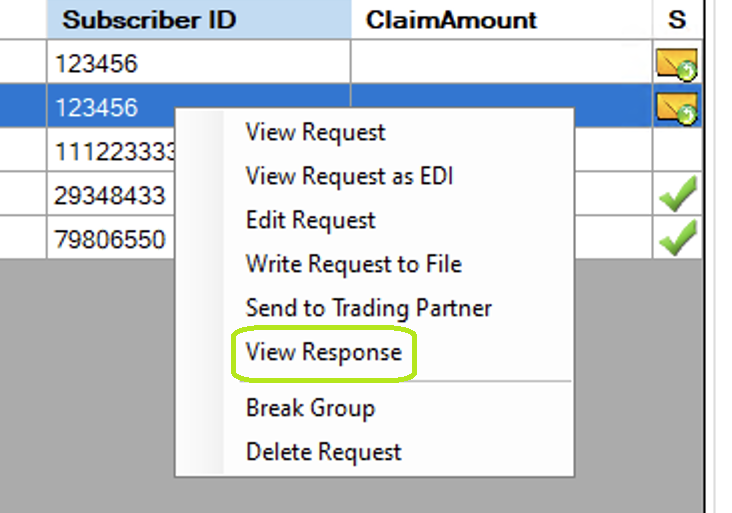
"View Response" right-click menu option.
If a request group was sent in batch mode, an acknowledgment for the group may be requested. The 999 ACK file should be ready no later than an hour after submission. To request an ACK for a request sent in batch mode, right-click the request row and select "Fetch Acknowledgment"
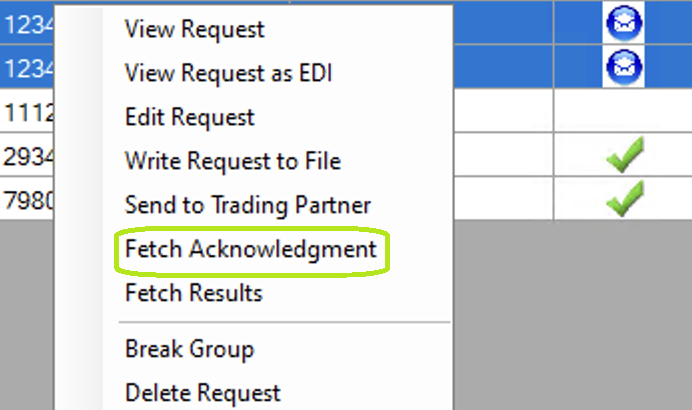
Fetch Acknowledgment right-click menu option.
Requesting a response for a batch claim status is similar to requesting an acknowledgment. A response should be ready within one business day of sending a request and is requested by right-clicking any of the relevant batch rows and clicking on the "Fetch Results" option.
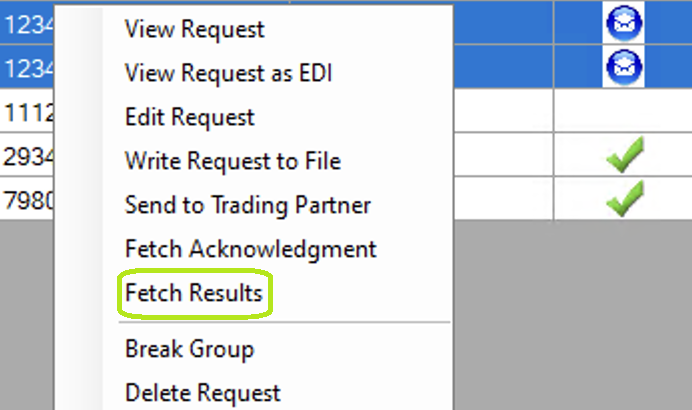
Fetch Results right-click menu option.