Manual Entry of Claim Status Requests |
  
|
Manual Entry of Claim Status Requests |
|
1.To create a Claim Status request manually, go to Manual Entry > New Request in the main menu window.
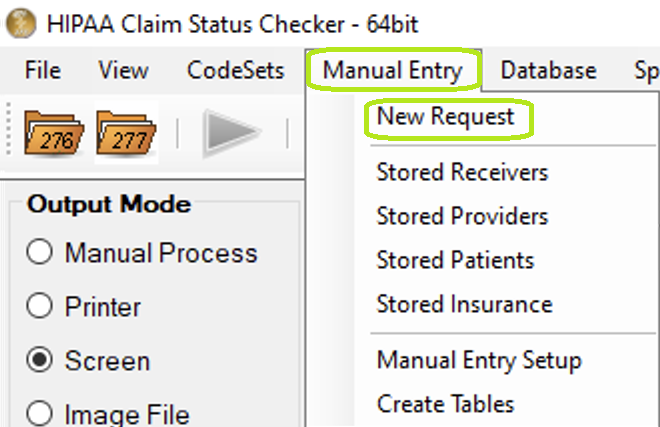
"New Request" in main menu bar.
2.When we click on "New Request," the workplace grid appears. We call it workplace because from the grid you control your requests and follow them through to the response.
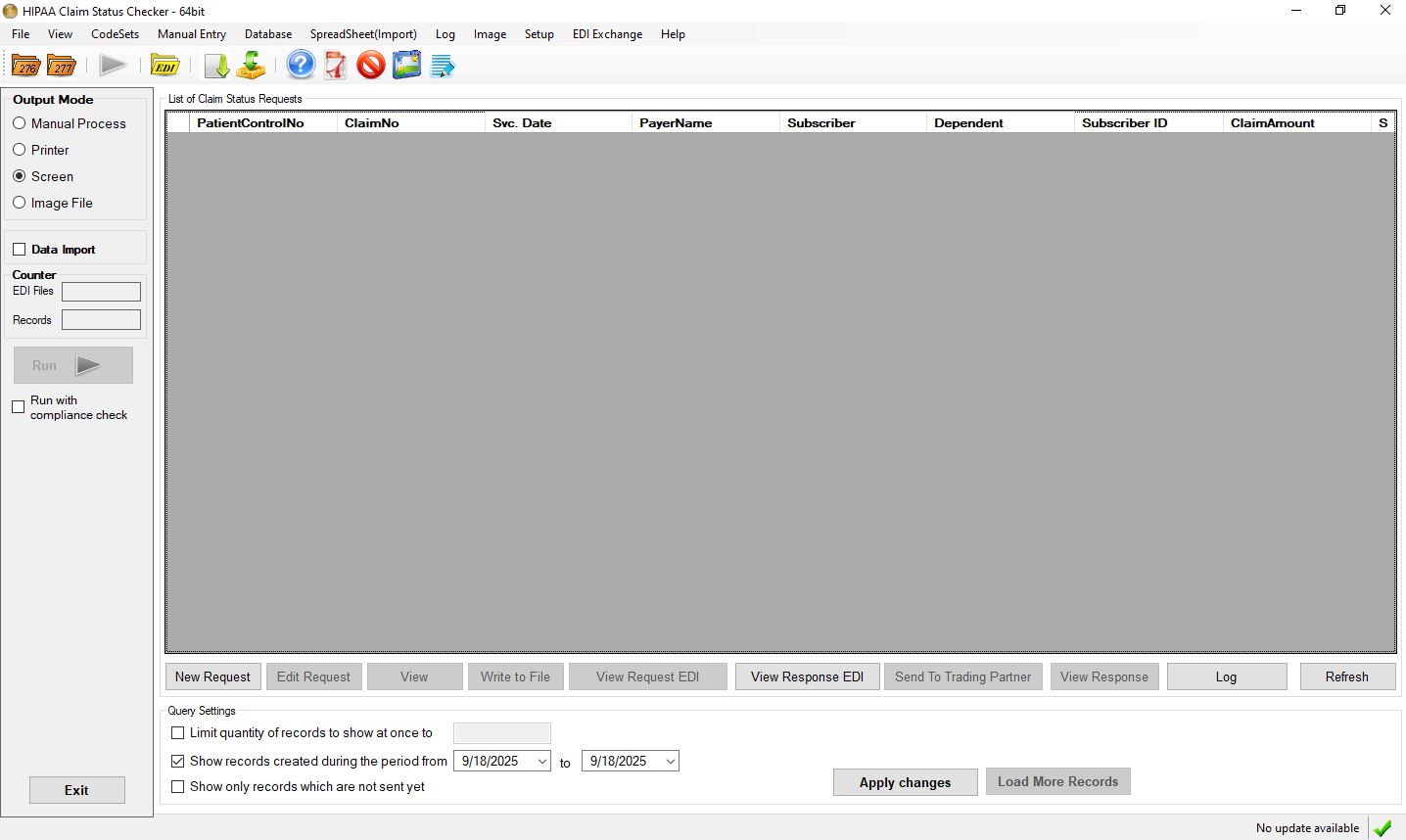
The workplace grid.
The workplace is blank because there are no requests in the database.
We can also reach the Workplace via the Workplace icon in the Taskbar
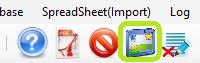
The workplace icon.
3.Now click on the "New Request" button in the workplace
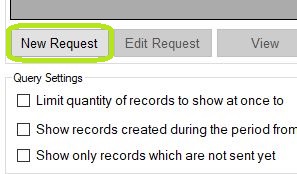
The "New Request" button.