Deleting Requests |
  
|
Deleting Requests |
|
To delete a request from the workplace grid, select the desired request and right-click, then click "Delete Request" or press the delete key.
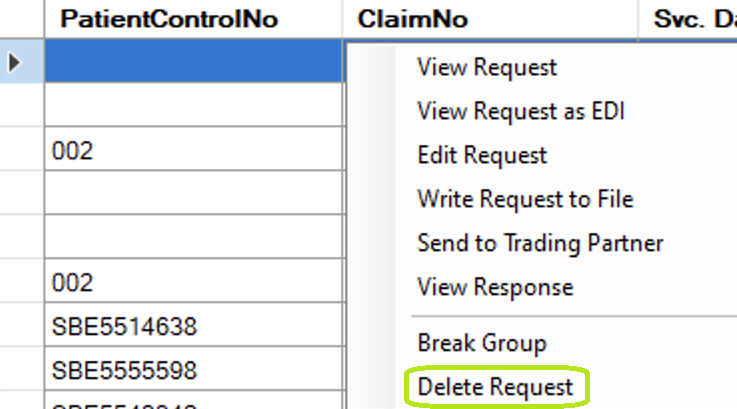
Delete option in right-click menu.
You will be prompted before deletion.
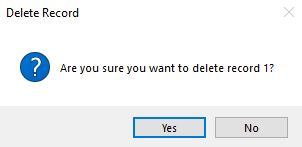
Delete Request pop-up.
Clicking "Yes" will delete the record from the Claim Status Header table and any associated benefits in the Claim Status Detail table. This operation cannot be undone.